1
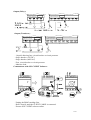
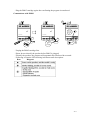
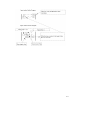
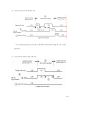
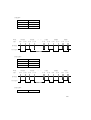
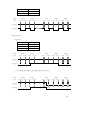
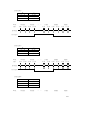
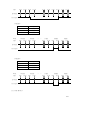
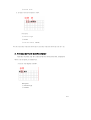
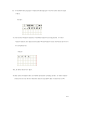
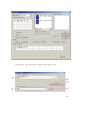
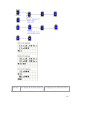
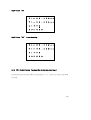
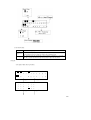
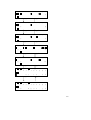
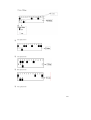
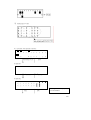
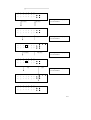
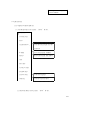
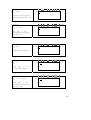
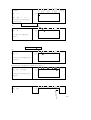
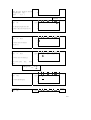
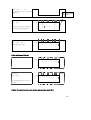
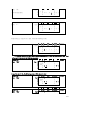
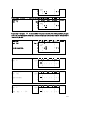
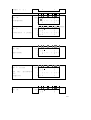
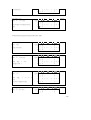
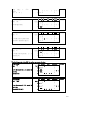
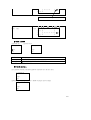
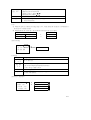
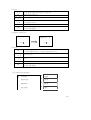
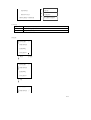
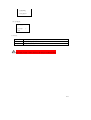
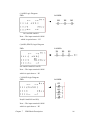
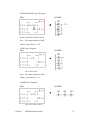
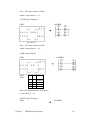
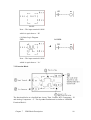
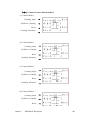
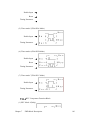
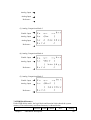
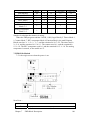
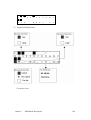
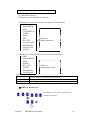
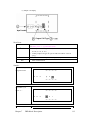
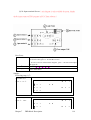
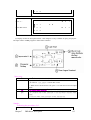
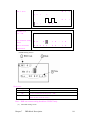
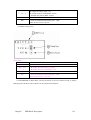
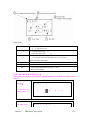
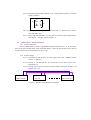
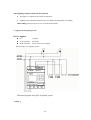
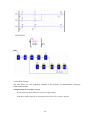
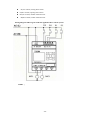
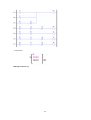
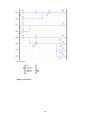
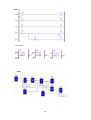
(Press ‘SEL’ + ‘↑ ↓’ The digital 1 the cursor locating will change to 7) Procedure 20 : Press ‘OK’ (Auto shift to FUNCTION BLOCK and the counter input parameter) Procedure 21 : Press ‘ESC’ back to LADDER edition screen 3 4 Auto Enter Function Block Edition 1 Line 1 2 I 1 3 4 I 1 1 2 3 4 5 6 7 8 ┌ 1 ┤ │ 0 0 0 0 ┴ 2 3 4 5 Column ┐ │ ├ C 7 ┘ 6 7 8 Column Line 1 q 4 ┬ M 1 I 3 ( Q 1 ┴ r 3 ( C 7 2 3 4 Delete the Program Element 1 2 3 4 5 6 7 8 Column Line 1 q 4 ┬ M 1 I 3 ( Q 1 ┴ r 3 ( C 7 2 3 4 Procedure : Press ‘DEL’ (to delete the element C7 the cursor 1 2 3 4 5 6 7 8 Column Line 1 q 4 ┬ M 1 I 3 ( Q 1 ┴ r 3 2 3 4 locating) Display the present Line the cursor locating and operation state of SG2. 6-59