1
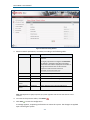
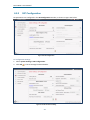
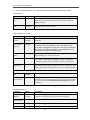
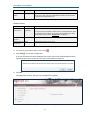
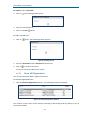
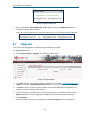
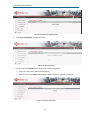
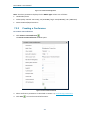
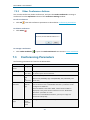
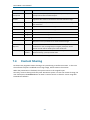
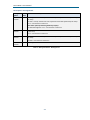
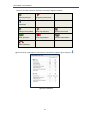
Orion-MCU™ User Manual Figure 6-8: Network Setting Window 3. Edit the network parameters, as needed, according to the following table: Parameter Definition Description Hostname String The name of the Orion-MCU system in your network. It’s highly important to configure the Hostname as defined in the DNS of the LAN or the WAN where the Orion-MCU is deployed. Orion-MCU is using the hostname value in SIP calls with emphsis on NAT Traversal scenarios. Example: orion1.orionmcu.com IP Address IP address The Orion-MCU system’s IP Address Subnet Mask Net-mask The Orion-MCU system’s subnet mask Default Gateway IP address The IP Address of the default gateway Preferred DNS Server IP address The IP Address of the preferred DNS Server Alternate DNS Server IP address The IP Address of the alternate DNS Server Table 6-1: Network Parameters Note: DNS definition is highly important for system upgrades and SIP calls with domain names involved. 4. To revert to the previous values, click Revert 5. Click Save . to save the configuration. A message appears, requesting confirmation to restart the system. The changes are applied upon restarting the system. 24