1
CHAPTER 4: ADMINISTRATIVE FUNCTIONS
51
5.
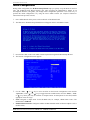
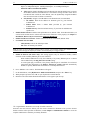
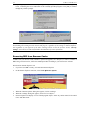
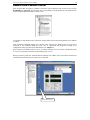
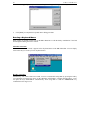
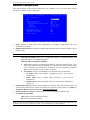
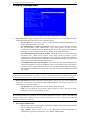
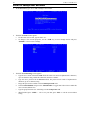
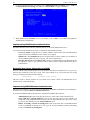
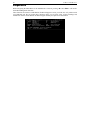
Your changes are not yet saved. You will be returned to the Group Account Settings screen for the
user group you are editing or creating.
6.
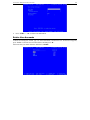
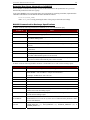
You must press <CTRL>+<S> once more while in this screen to save the permissions settings to your
given user group.
Delete Group Accounts
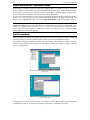
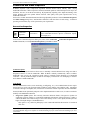
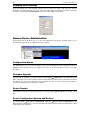
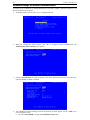
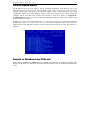
To delete an existing group account, type <G> at the Main Menu, and when the Group Account screen
appears, press <TAB> to select the group account to delete, and then press <D>. Before deleting a group,
ensure that there are no users assigned to it, or those users will also be deleted.
Please note that you cannot delete the default group, ADMIN.