1
Centerm Information Co., Ltd
3)
Ensure the DNS settings is correct
4)
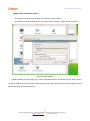
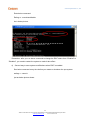
Open “Control Center” -> “Network Tool” to diagnosis
9. How to do when CDMS is unable to manage thin clients?
1)
Ensure CDMS server address is correct(server address is not setup, incorrect IP address)
2)
Ensure server port is correct
3)
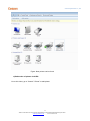
Troubleshooting on network of a thin client
10. How to correct the error “Exceed monitor range”
The reason is the optimum resolution rate is detected incorrect; the resolution rate on other monitor is
not supported by current monitor
Solution:
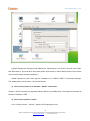
Press hotkey “Ctrl+Alt+S”, restore the resolution rate to be 800X600@60Hz
11. How to restore default setting?
Follow the steps shown below:
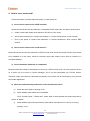
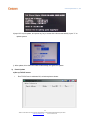
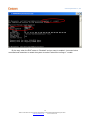
Restart thin client, press “Ctrl”,and press “Ctrl + U” and choose “Restore Configuration”
Notice: all configuration on system will be restored to default settings
12. Linux thin client system upgrade
Two options for Linux thin client upgrade: one is operating system it updates the system to new
22
ADD:2/F #22 Star-net Science Plaza Juyuanzhou #618 Jinshan Road,Fuzhou Fujian China
[email protected]
www.centerm.com