1
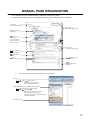
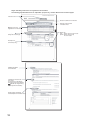
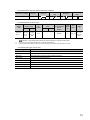
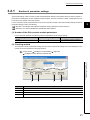
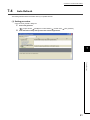
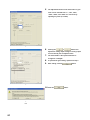
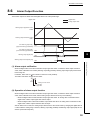
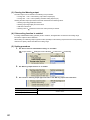
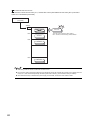
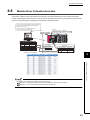
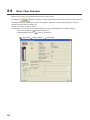
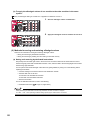
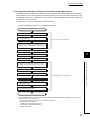
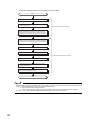
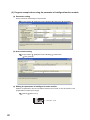
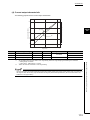
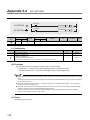
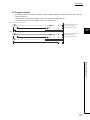
CHAPTER 8 FUNCTIONS CHAPTER 8 FUNCTIONS This chapter describes the details on functions that can be used in the D/A converter module and the setting procedures. For details on I/O signals and buffer memory, refer to the following. • Detail of I/O signals ( Page 98, Appendix 1) • Details of buffer memory addresses ( 8.1 Page 104, Appendix 2) D/A Conversion Enable/Disable Function This function sets whether to enable or disable the analog value output for each channel. Disabling the D/A conversion for unused channels reduces the conversion cycles. (1) Setting procedure Set "D/A conversion enable/disable setting" to "0: Enable". Project window [Intelligent Function Module] module name [Parameter] 8 8.1 D/A Conversion Enable/Disable Function 8.2 D/A Output Enable/Disable Function This function sets whether to output the D/A conversion value or the offset value, for each channel. The conversion speed is constant, regardless of the output enable/disable status. (1) Setting procedure Configure the setting with CH Output enable/disable flag (Y1 to Y4) CH Output enable/disable flag (Y1 to Y4) Analog output Enable (ON) D/A conversion value is output. Disable (OFF) Offset value is output. 49