1
MangoCube WiFi connections:
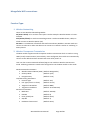
Function Type:
1. Wireless Networking
There are two Wireless Networking Modes:
AP (Access Point): It’s a wireless access point. Similar example is Wireless Router in homenetwork.
STA (Station/Client): In wireless networking Station is similar to Mobile Phone, tablet, PC
which connects to Wireless Router (AP).
AP+STA: It is combination of both AP and STA functionalities, Module in AP+STA mode can
connect to other AP or other STA devices can connect to it which is similar to ‘Tethering’ in
Smart phones.
2. Wireless Transparent Transmission
The WiFi module supports Serial transparent wireless transmission which is similar to using
UART (serial) communication, but wirelessly. Once configured, the module can automatically
connect to the default wireless network and server after power on.
User can also create customised software/App to use module in Wireless transmission
mode. Following parameters needs to be configured to use the WiFi module in this mode.
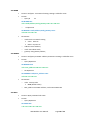
Wireless Network Parameters
• Wireless Network Name (SSID)
• Security Mode
• Encryption Key
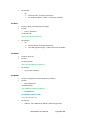
TCP/UDP Linking Parameters
• Protocol Type
• Link Type (Server or Client)
• Target Port ID Number
• Target Port IP Address
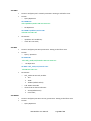
Serial Port Parameters
• Baud Rate
• Data Bit
• Parity (Check) Bit
• Stop Bit
• Hardware Flow Control
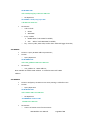
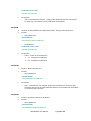
(Default: MangoCube)
(Default: open)
(Default: none)
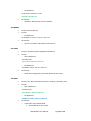
(Default: TCP)
(Default: Server)
(Default: 8899)
(Default: 10.10.100.254)
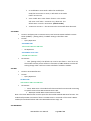
(Default: 115200)
(Default: 8)
(Default: None)
(Default: 1)
(Default: None)
WiFi Module User Manual
Page 2 of 33