1
3
Main application
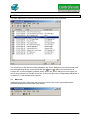
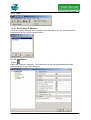
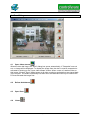
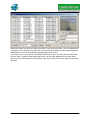
The main application is used to configure and list the doors to be monitored.
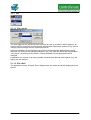
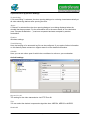
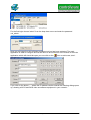
The small icon on the left-hand side indicates if the "Door" dialog box can communicate with
the corresponding device connected at the door
or not . When the camera-icon is
crossed out, a communication problem exists. When the "Door" dialog box is not open, the
icon is also crossed out. Double click a line of the list to open the corresponding dialog box or
to display it if it has already been opened.
3.1 Menu bar
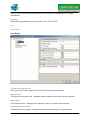
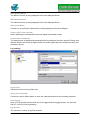
VipDoorControl has a menu bar and a tool bar. Some of the menu commands can be
accessed directly from the toolbar (see below).
Page 7 of 36