1
Section 3: Configuration
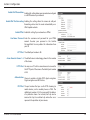
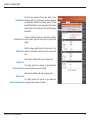
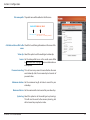
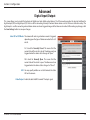
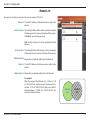
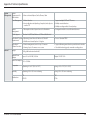
File name prefix: The prefix name will be added on the file name.
SNAPSHOTS20080104_100341
File name prefix Date and time suffix
The format is: YYYYMMDD_HHMMSS
Add date and time suffix to file Check this to add timing information as file name suffix.
name:
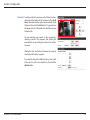
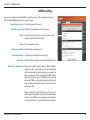
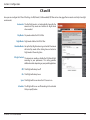
Video clip: Select this option to set the media type to video clips.
Source: Set the video profile to use as the media source. Refer
to "Audio and Video" on page 41 for more information on
video profiles.
Pre-event recording: This sets how many seconds to record before the main
event video clip starts. You can record up to 4 seconds of
pre-event video.
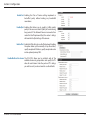
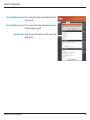
Maximum duration: Set the maximum length of video to record for your
video clips.
Maximum file size: Set the maximum file size to record for your video clips.
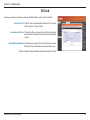
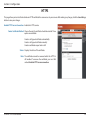
System log: Select this option to set the media type to system logs.
This will save the event to the camera system log, but
will not record any snapshots or video.
D-Link DCS-7413 User Manual
51