1
Adjusting the LCD Display
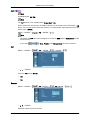
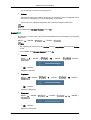
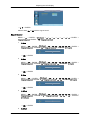
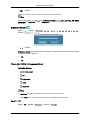
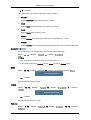
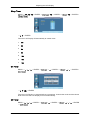
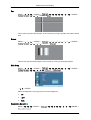
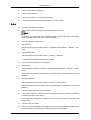
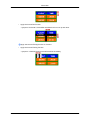
Input
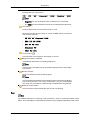
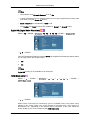
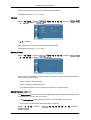
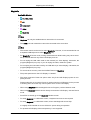
Available Modes
•
PC / DVI / BNC
•
AV
•
Component
•
HDMI
•
MagicInfo
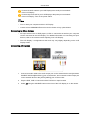
Note
•
MagicInfo can only be enabled when a network box is connected.
•
The HDMI port and network box cannot be connected at the same time.
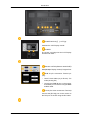
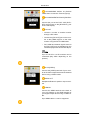
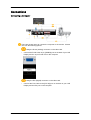
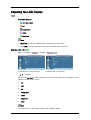
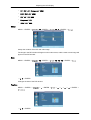
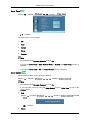
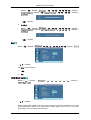
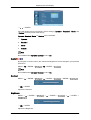
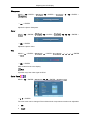
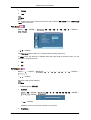
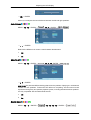
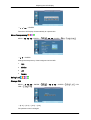
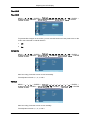
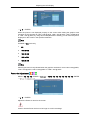
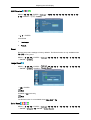
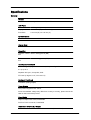
Source List
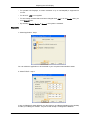
MENU → ENTER →
→ ENTER →
A network box is not connected
→
,
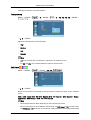
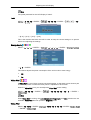
A network box is connected
→ ENTER
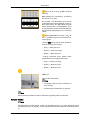
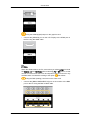
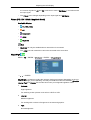
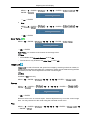
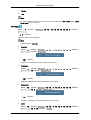
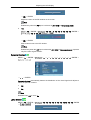
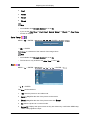
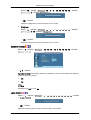
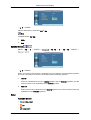
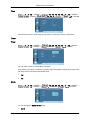
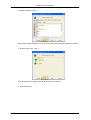
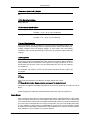
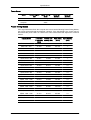
Use to select PC, DVI or other external input sources connected to the LCD Display. Use to
select the screen of your choice.
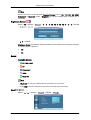
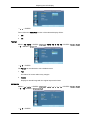
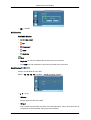
1.
PC
2.
DVI
3.
AV
4.
Component
5.
HDMI
6.
MagicInfo
7.
BNC
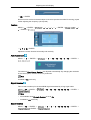
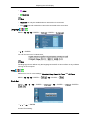
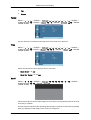
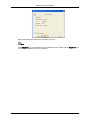
Note
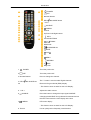
The direct button on the remote control is the 'SOURCE' button.