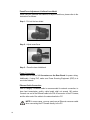
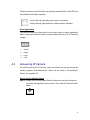
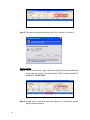
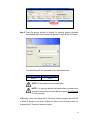
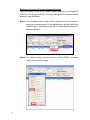
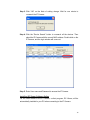
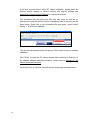
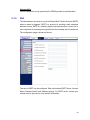
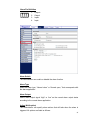
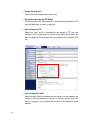
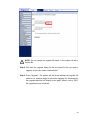
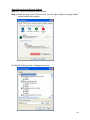
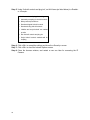
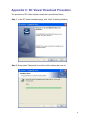
Step 3: Click “Finish” to close the DC Viewer installation page.
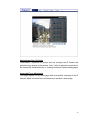
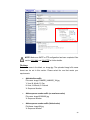
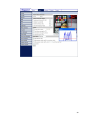
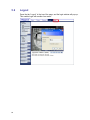
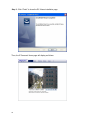
Then, the IP Camera’s Home page will display as follows:
72