1
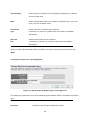
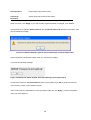
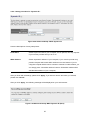
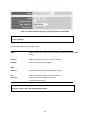
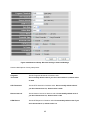
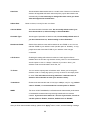
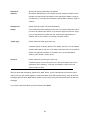
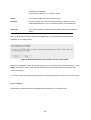
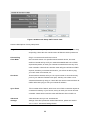
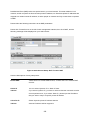
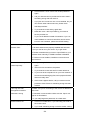
Idle Time Out:
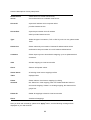
Please input idle time out, (detailed explanation listed below).
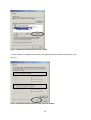
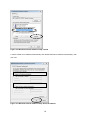
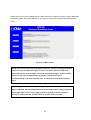
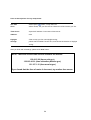
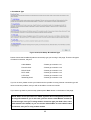
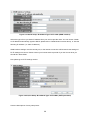
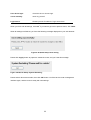
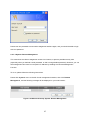
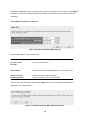
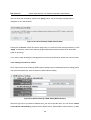
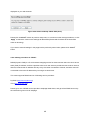
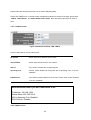
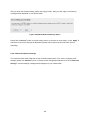
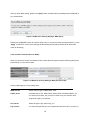
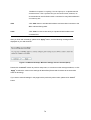
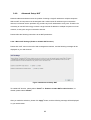
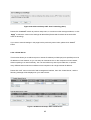
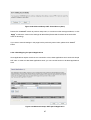
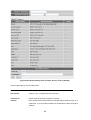
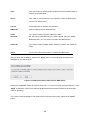
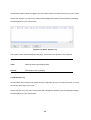
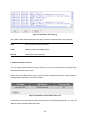
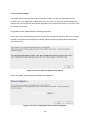
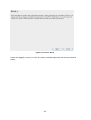
After you finish with all settings, please click ‘Apply’ button, and the following message will be
displayed on your web browser:
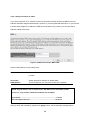
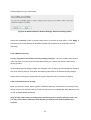
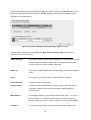
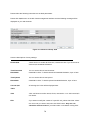
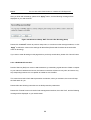
Figure 2-43 Advanced Setup: WAN: PPPoE (Save)
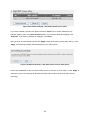
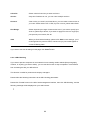
Please click ‘Continue’ to back to previous setup menu; to continue on other setup procedures, or click
‘Apply’ to reboot the router so the settings will take effect (Please wait for about 50 seconds while
router is rebooting).
If you want to reset all settings in this page back to previously-saved value, please click ‘Cancel’ button.
2-4-2-4 Setup procedure for ‘PPTP’:
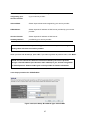
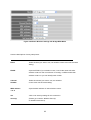
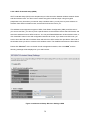
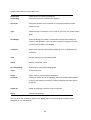
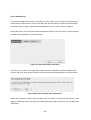
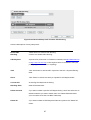
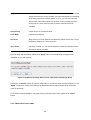
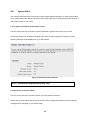
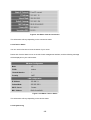
PPTP requires two kinds of setting: WAN interface setting (setup IP address) and PPTP setting (PPTP
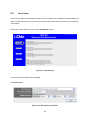
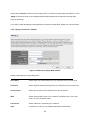
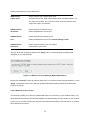
user name and password). Here we start from WAN interface setting:
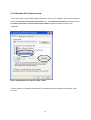
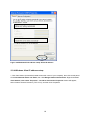
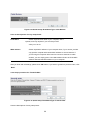
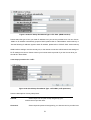
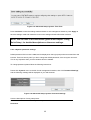
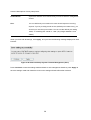
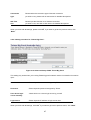
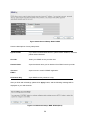
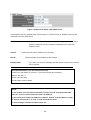
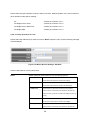
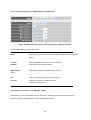
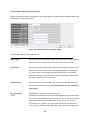
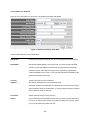
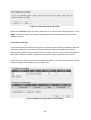
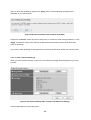
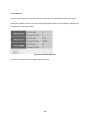
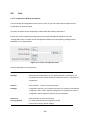
Figure 2-44 Advanced Setup: WAN: PPTP (WAN Interface)
Select the type of how you obtain IP address from your service provider here. You can choose ‘Obtain
an IP address automatically’ (equal to DHCP, please refer to ‘Cable Modem’ section above), or ‘Use
44