1
SIGLENT
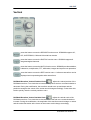
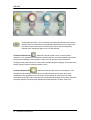
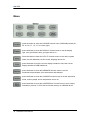
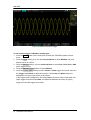
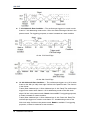
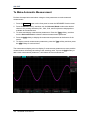
: Analog input channels. The 4 channels are marked by different colors which
are also used to mark both the corresponding waveforms on the screen and
the channel input connectors. Press any key to open the corresponding
channel menu and press again to turn off the channel.
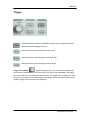
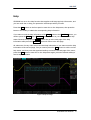
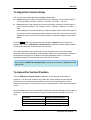
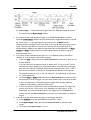
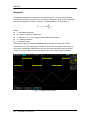
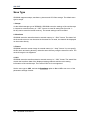
Vertical Position Knob
: adjust the vertical position of the current channel
waveform. Turn clockwise to increase the position and turn counterclockwise to decrease.
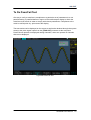
During the modification, the waveform would move up and down and the position
message at the lower-left corner of the screen would change accordingly. Press down this
knob to quickly reset the vertical position to zero.
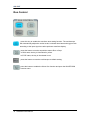
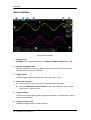
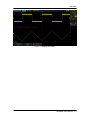
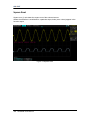
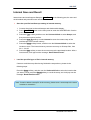
Vertical Variable Knob
: adjust the vertical scale of the current channel. Turn
clockwise to decrease the scale and turn counterclockwise to increase. During the
modification, the amplitude of the waveform would enlarge or reduce and the scale
information at the right side of the screen would change accordingly. Press down this knob
to quickly switch the vertical scale adjustment modes between “Coarse” and “Fine”.
14 SDS2000 User Manual