1
Using OpenText
Top Menu
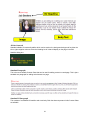
The top menu contains the main navigation menu tabs for the CMS Server. The tabs present in the Top
Menu are:
Homepage: Links to the home page menu where you can configure your workspace.
SmartEdit: User interface where you can make changes to a web page.
Asset Manager: Provides an easy way of editing and managing digital files such as images and pdfs in
the CMS.
Tasks: Tasks is another way of obtaining the options where you can perform the most common tasks.
Search: A search tool for navigating through the CMS system using various criteria.
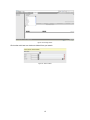
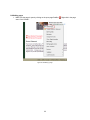
Figure 6: Top right menu
Homepage
Configuring the Homepage
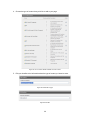
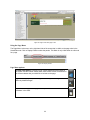
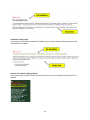
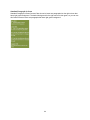
The Homepage is a configurable dashboard where you can perform some of the most common tasks
such as managing documents that have been changed and making edits to content in pages that have
been through workflow. You have the ability to choose items that are relevant plus arrange the order in
which they appear on their screen.
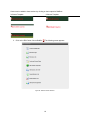
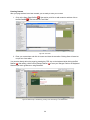
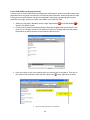
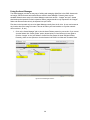
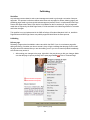
Your Homepage can be configured using the “Configure Homepage” button on the right hand side of the
screen.
Figure 7: Configure homepage
8


























![[ol-rs-ha6]-en - Sonic Electronix](http://vs1.manualzilla.com/store/data/005843713_1-a0736ea4d1b526b61217546e349ee9ef-150x150.png)