1
W406-CE User’s Manual
Web-based Management System
Logging into the Web-based Management System
The web-based management system installed in the W406 computer incorporates often-used
features into CGI pages, and categorizes them on a menu bar.
Before attempting to connect to the management system, make sure the network connection from
your PC to the target computer active, and you are able to use the PC’s Internet browser. The
following steps describe how to log on to the web-based system.
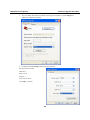
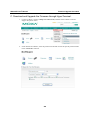
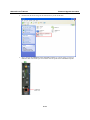
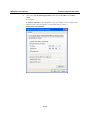
1. Type the IP address of the target computer in the browser’s address box. When the main page
appears, click on Web-Based Management.
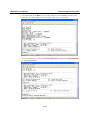
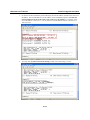
2. Enter your user ID and password in the corresponding fields (both are case sensitive) and then
press enter to request access to the management system. The system checks your data with the
users previously defined in the computer and then determines the validity of your logon.
The default User ID and Password are as follows:
User ID: admin
Password: admin
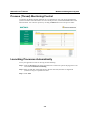
System Information
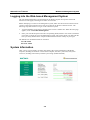
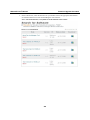
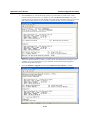
After you log on successfully, the main page displays the system information of the W406
computer, including the firmware version of the computer, the CPU system time, and system
resources, including main memory and file system usage (RAM and Flash).
3-2