1
Page 5
IP CAMERA USER MUANUAL
3 IE Remote Access
IP-Cam can be connected through LAN or WAN. Here only take IE browser (6.0)
for example. The details are as follows:
3.1 LAN
In LAN, there are two ways to access IP-Cam: 1. Access through IP-Tool; 2. Directly
access through IE browser.
3.1.1 Access through IP-Tool
Step 1: Make sure the PC and IP-Cam are connected to the LAN and the IP-Tool is
installed in the PC from the CD.
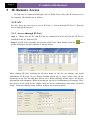
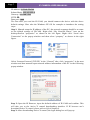
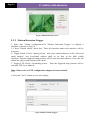
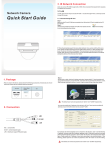
Step 2: Use IP-Tool to modify the network of IP-Cam. Then, double click the
on the desktop to run this software as shown below:
icon
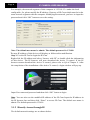
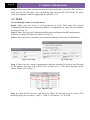
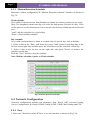
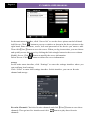
After starting IP-Tool, clicking the IP-Cam name in the list can display the detail
information of IP-Cam. If you cannot confirm which one is yours, please shut off the
electricity of the IP-Cam and then power on it. When shutting off the power, the device
information will disappear. When powering on, the device information will emerge. Well,
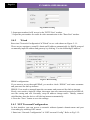
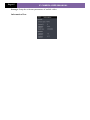
this device is the used device. Right click the device information and select “network
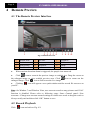
setup”. Then the network setup window will pop up as shown below: