1
2
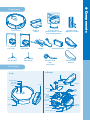
Components
5
Reference
Tips for effective cleaning
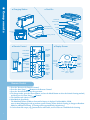
Operating principles of eX500
7
Installing eX500
pre-operation check list
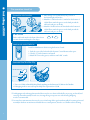
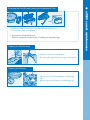
• Assemble side-brushes
• Insert remote control batteries
• Assemble Ultra Microfiber Mop
Pre-cleaning check list
• Install Base(Charging) Station
• Charging
• Set Current Time
• Install boundary area tape
8
Using eX500
• Power On/Off
• Start / Stop cleaning
• Using the move and charge functions
Cleaning mode
Set cleaning time
10
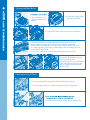
Emptying the Dust Bin and cleaning the Antibacterial Filter
Cleaning the Side Brushes
Cleaning the Sensors
Cleaning the Main Brush
Cleaning the Front Wheel
13
Using eX500
eX500 care & maintenance
● contents
Safety precautions
9
12
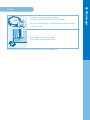
Storage
15
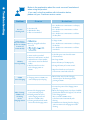
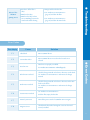
Troubleshooting
16
Error codes
17
1