1
Connecting the GPS device to PC
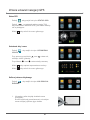
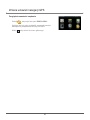
After installing the ActiveSync software connect the GPS device to your PC using
a USB cable (mini A type). The cable is not included in the package, but it is widely
available on the market.
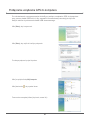
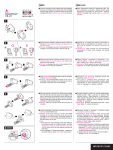
1. Click Next > to continue
2. Click Next > to enter the connection interface
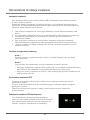
3. After the connection is established such a screen
will appear:
4. Click My computer
5. Double click
to enter the following interface:
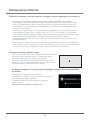
Now you can manage the files in the device’s
memory (copy, paste, delete etc.)
21