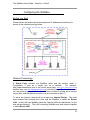
1
The WebMux User Guide – Version 4..x Rev2
•
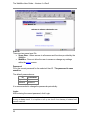
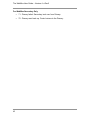
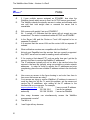
Turn on the WebMux.
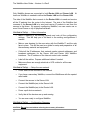
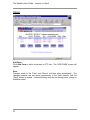
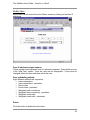
You will see the version number like this:
.
•
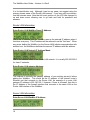
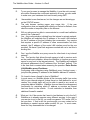
After self-test, hold down the Check-Mark button on the WebMux will
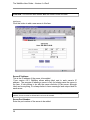
display the first question – “Enter WebMux host name”.
•
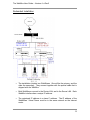
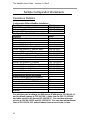
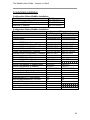
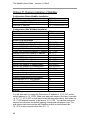
During the initial configuration, you will be asked to provide names and IP
addresses. (See next section.) Each item is explained in the order it is
asked.
•
Answer the questions. Reboot. Note: When reboot is complete, the first
question will re-appear.
•
The monitor and keyboard are now no longer needed.
disconnect the monitor and keyboard.
•
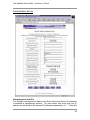
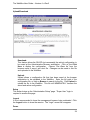
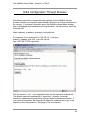
Run the Management Browser.
If you prefer,
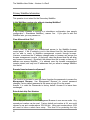
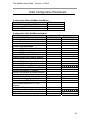
Initial Configuration
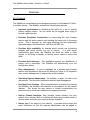
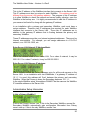
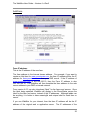
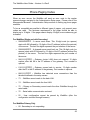
Enter WebMux Host Name:
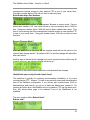
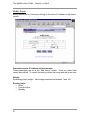
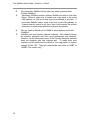
This is the host name of the WebMux. It is used for identification purposes. You
may call it webmux1, webmux2, etc. (trick to enter name quickly: If you hold
down the up/down button for more than a second, the letter will start changing
quickly.) Note the left most down arrow on the LCD allowing user to skip certain
entries.
Enter WebMux Domain Name:
18