1
HDTV TRANSMODULATOR - Dual 8PSK to QAM
28
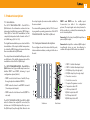
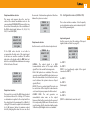
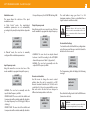
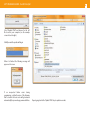
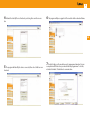
Select “Update FPGA” and browse for the .rbf
file stored in your computer (see the example
screenshot on the right).
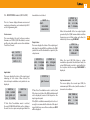
Click Open and the update will begin:
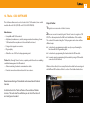
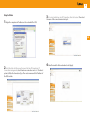
When it is finished the following message will
appear on the screen:
If an unexpected failure occurs during
programming, a default version of the firmware
that is stored in the boot sector will get reloaded
automatically, thus preventing a permanent failure.
Repeat going back to the “Update FPGA” step to update more units.