1
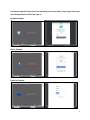
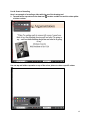
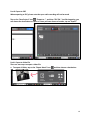
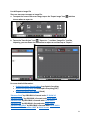
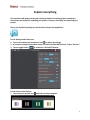
b. Tap on the “Save Project” icon
, “Export to…”, and then “Video file.” Just like importing,
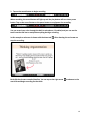
you can choose the destination to export to. You can choose to export all videos or choose
specific slides.
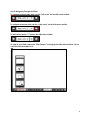
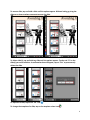
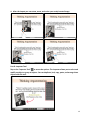
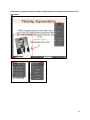
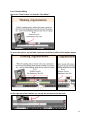
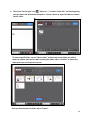
To choose specific slides, tap on “Choose slides” and then tap on the slides you wish to
export as a video. Once you are done selecting the slides, tap on “Confirm” to choose the
slides and return to the previous screen.
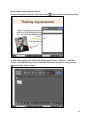
Once you have chosen a location, tap on “Export.”
20