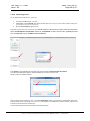
1
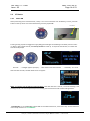
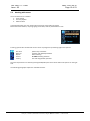
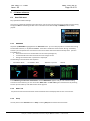
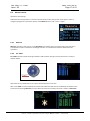
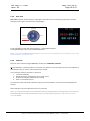
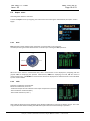
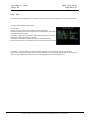
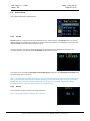
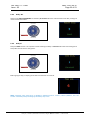
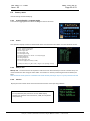
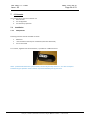
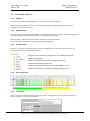
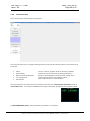
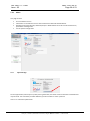
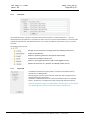
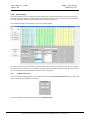
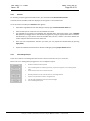
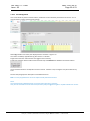
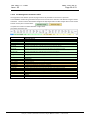
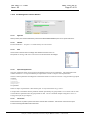
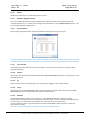
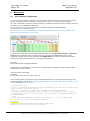
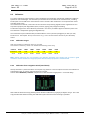
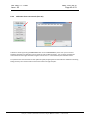
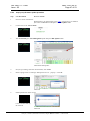
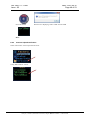
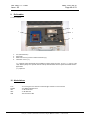
Ref :UM-CT7-11-001 Issue : 05 6.4 Date : 2015-06-15 Page 21 of 53 Service menu User settable parameters and monitoring 6.4.1 PC Link PC Link operation is used to connect the instrument to a PC. The PC program CT7 Console must run and the USB connection done before this operation can be executed. The connection is validated by a mark in the case “PC connected” on the left bottom of the PC screen). Once this operation has been entered, the autonomous operation of CT7 is disabled (the joystick is not operating anymore. The display shows UIF LOCKED. (User Interface Locked) This status can be reversed by closing the CT7 Console program on the PC or by resetting the instrument using the reset switch at the rear of CT7. Note: This mode may be used for long term test of CT7, ant the instrument is assumed to be powered by PC via USB, so the Automatic SLEEP function is disabled. However, some PC with active power saving may shut down or hibernate after some time, switching off the USB. In such case CT7 will remain ON and heavy battery discharge may occur. (See “CT7 does not power up” troubleshooting). 6.4.2 Battery Get the battery voltage and remaining energy estimation. NOTE: use this percentage as indication, not a measure. This document is OPO property. It may not be either used or copied without authorization. OPO sprl, Crawhez 9, 4890 Thimister Clermont, Belgium. +32 87688989- +32 87598990