1
STORING TRACKED ROUTE
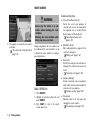
A travelled route up to the current location can
be stored. A maximum of 5 tracked routes can
be stored.
OTHER SETTINGS
A tracked route can also be stored using the
following procedure.
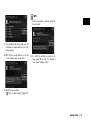
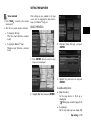
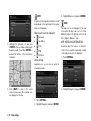
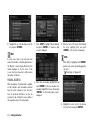
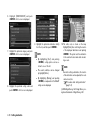
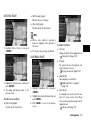
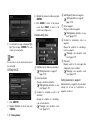
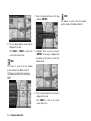
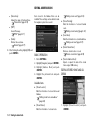
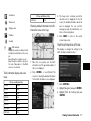
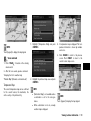
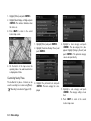
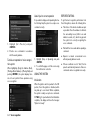
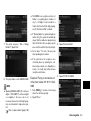
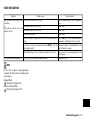
4. A confirmation message is displayed.
Confirm the contents of the message, highlight [Yes] and push <ENTER>.
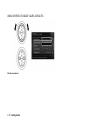
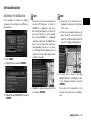
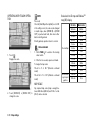
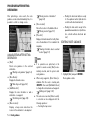
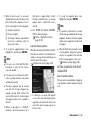
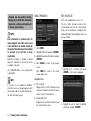
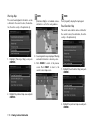
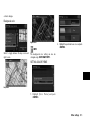
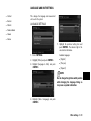
1. Push <MAP> to display the current location map screen.
2. Push <ENTER> at the current vehicle
location.
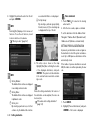
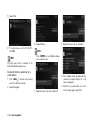
The tracked route you have traveled is
stored.
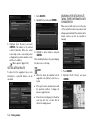
5. Push <MAP> or <BACK> to return to the
current location map screen.
INFO:
.
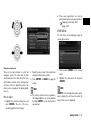
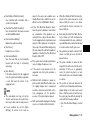
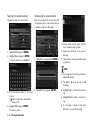
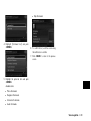
3. Highlight [Store Tracking] and push
<ENTER>.
6-6
Storing location/route
.
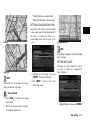
A maximum of 5 tracked routes can be
stored. When 5 tracked routes are stored in
the Address Book, a new tracked route
cannot be stored until a tracked route is
deleted.
“Deleting stored item” (page 6-18)
The tracked route is stored in the first
available position number in the store
tracking list.
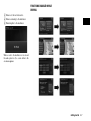
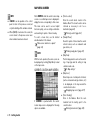
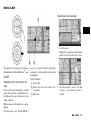
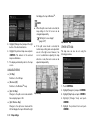
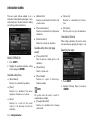
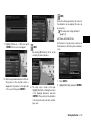
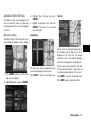
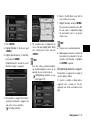
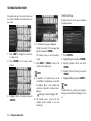
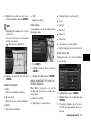
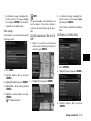
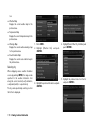
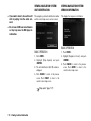
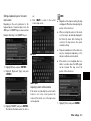
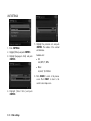
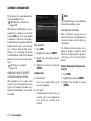
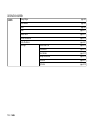
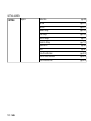
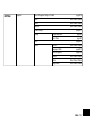
1. Push <SETTING>.
2. Highlight [Navigation] and push <ENTER>.
3. Highlight [Address Book] and push
<ENTER>.
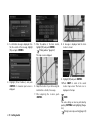
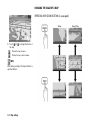
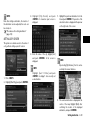
4. Highlight [Stored Tracking] and push
<ENTER>.
5. Highlight [Add New] and push <ENTER>.
INFO:
A tracked route can only be stored using the
setting screen when [Current Tracking] is set to
on.