1
BTL5-H1
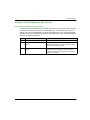
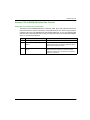
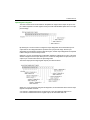
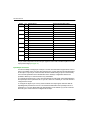
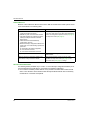
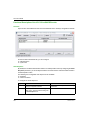
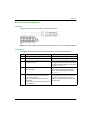
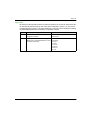
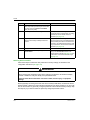
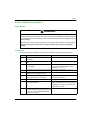
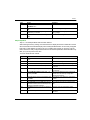
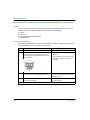
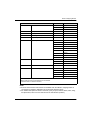
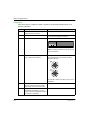
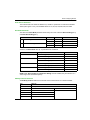
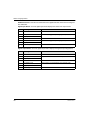
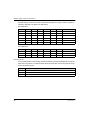
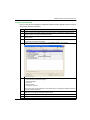
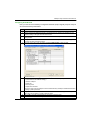
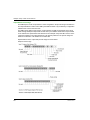
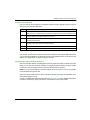
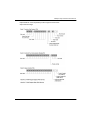
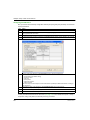
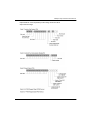
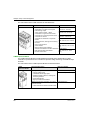
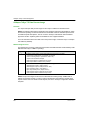
To configure the position step setting:
Step
Action
Result
1
Double-click BTL5-H1 in the Advantys
configuration software.
The selected module opens in the software
module editor.
2
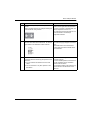
Expand the Measuring Step Settings field by
clicking on the plus (+) sign.
Two rows appear below the field.
3
Choose the data display format by either
checking or unchecking the Hexadecimal
checkbox at the top right of the editor.
4
In the Configured Value field for the Position
Step Setting row, enter the desired value.
unchecked: decimal
checked: hexadecimal
The actual resolution is obtained by multiplying
the entered value by 0.001 µm.
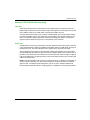
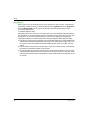
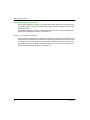
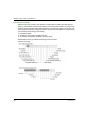
Speed Step Setting
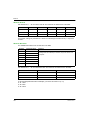
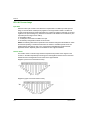
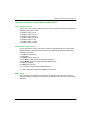
The Speed Step Setting value is configurable as a decimal or hexadecimal value in the range of
10 to 2 147 483 647 (0xA to 0x7FFFFFFF). The actual speed resolution is obtained by multiplying
the value entered in the Advantys configuration software by 0.01 mm/s. The default value of Speed
Step Setting is 10 (0xA), meaning each 1-bit value in the Speed Value in the process image
represents a speed of 0.1 mm/s. Thus, by default, the Speed Value represents the physical speed
of the magnet divided by 0.1 mm/s.
For example, if a value of 1000 is entered in the Configured Value field, the actual speed
resolution is 10 mm/s. Thus, if the magnet moves at 100 mm/s (or 1 m/s), then the corresponding
Speed Value is 10.
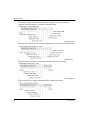
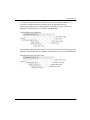
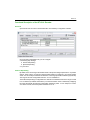
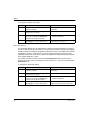
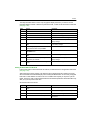
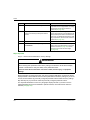
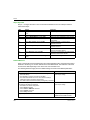
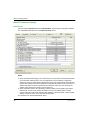
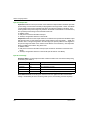
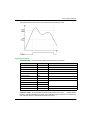
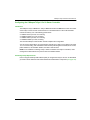
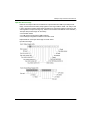
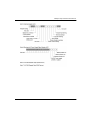
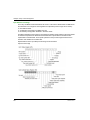
To configure the speed step setting:
110
Step
Action
Result
1
Double-click BTL5-H1 in the Advantys
configuration software.
The selected module opens in the software
module editor.
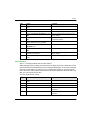
2
Expand the Measuring Step Settings field by
clicking on the plus (+) sign.
Two rows appear below the field.
3
Choose the data display format by either
checking or unchecking the Hexadecimal
checkbox at the top right of the editor.
4
In the Configured Value field for the Speed
Step Setting row, enter the desired value.
unchecked: decimal
checked: hexadecimal
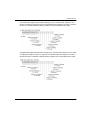
The actual speed resolution is obtained by
multiplying the value entered by 0.01 mm/s.
31006709 7/2013