1
Sub commands
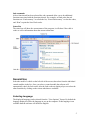
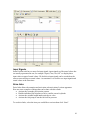
After a function tab has been selected the sub commands allow you to do additional
functions associated with the function selected. For example, on fault codes the sub
functions are “Fault memory” to refresh the list, “Erase fault memory” to clear the codes,
and “Print” to print the list of fault codes.
Status Bar
The status bar will show the current status of the program; it will show if the cable is
ready as well as information about the current connection.
General Use
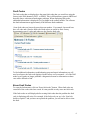
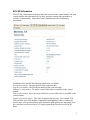
Select the model of vehicle on the left side of the screen, then select from the individual
control modules in the list. Once you select a control module the software will
automatically check for fault codes, after the fault codes are displayed you can select the
other functions by clicking on the various tabs that are available.
Selecting Language
The displayed language can be selected from the “View-Options” Screen. By default the
language displayed will be the language in use on the computer. If this language is not
available then the software will default to English.
5