1
Editing
●
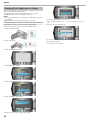
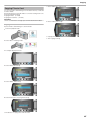
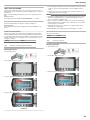
Protecting Selected Files
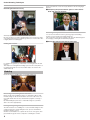
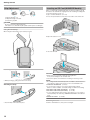
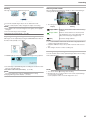
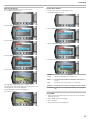
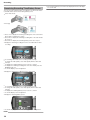
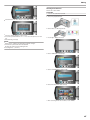
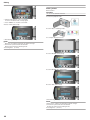
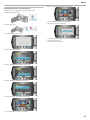
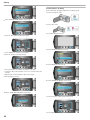
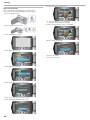
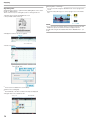
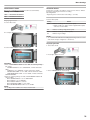
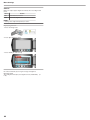
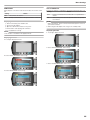
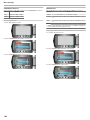
Touch “CHECK” to check the selected file.
8
After selecting all the files to protect or release protection of, touch D.
9
Select “YES” and touch C.
Protects or releases protection of the selected files.
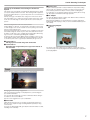
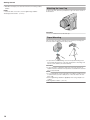
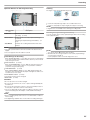
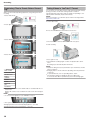
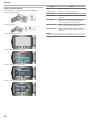
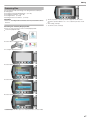
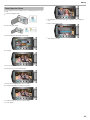
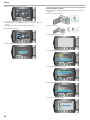
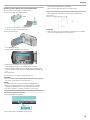
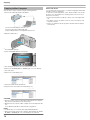
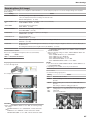
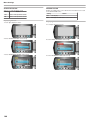
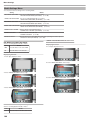
Select the playback mode.
2
Select video or still image mode.
3
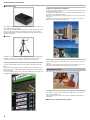
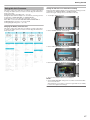
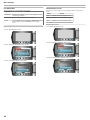
Touch D to display the menu.
4
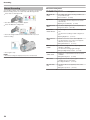
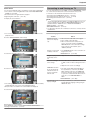
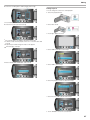
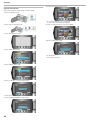
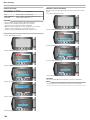
Select “EDIT” and touch C.
5
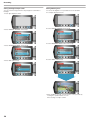
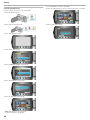
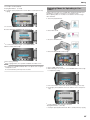
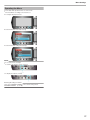
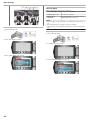
Select “PROTECT/CANCEL” and touch C.
6
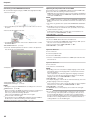
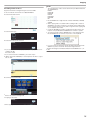
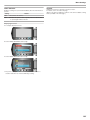
Select “FILE SELECT” and touch C.
7
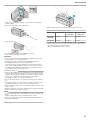
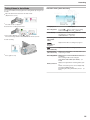
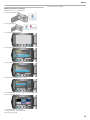
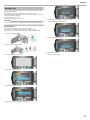
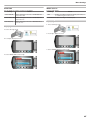
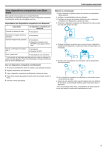
Select the desired file and touch C.
.
.
.
.
.
.
.
.
.
1
●
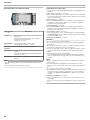
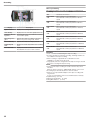
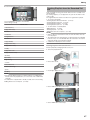
A I mark appears on the selected file.
To remove the mark, touch C again.
48