1
System status indicators
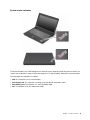
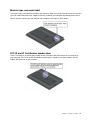
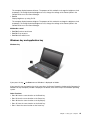
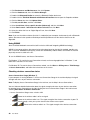
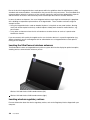
The illuminated dot in the ThinkPad logo on the outer lid of your computer and on the palm rest works as a
system status indicator: it shows whether the computer is in sleep (standby), hibernation, or normal mode.
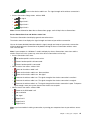
The meaning of the indicator is as follows:
• Red: The computer is on (in normal mode).
• Fast blinking red: The computer is entering sleep (standby) or hibernation mode.
• Slow blinking red: The computer is in sleep (standby) mode.
• Off: The computer is off or in hibernation mode.
Chapter 1. Product overview
9