1
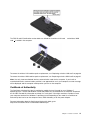
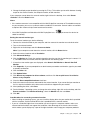
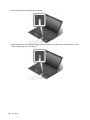
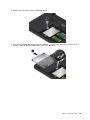
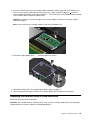
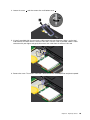
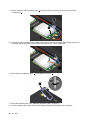
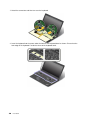
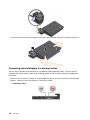
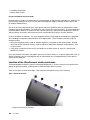
7. Carefully remove the wireless LAN card out of the slot.
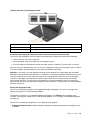
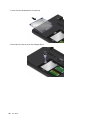
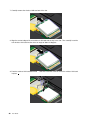
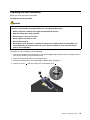
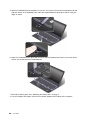
8. Align the contact edge of the new wireless LAN card with the key in the slot. Then carefully insert the
new wireless LAN card into the slot at an angle of about 20 degrees.
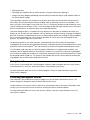
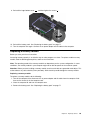
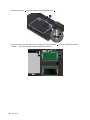
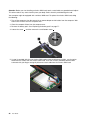
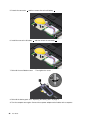
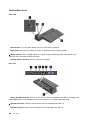
9. Pivot the wireless LAN card downward 1 , and then install the screw to secure the wireless LAN card
in place 2 .
90
User Guide