1
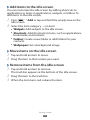
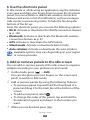
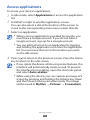
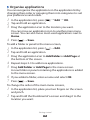
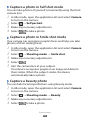
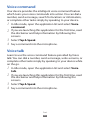
››Capture a photo in Cartoon mode
You can take photos with cartoon effects.
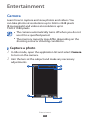
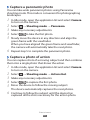
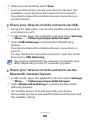
1 In Idle mode, open the application list and select Camera
2
3
4
to turn on the camera.
Select → Shooting mode → Cartoon.
Make any necessary adjustments.
Select
to take a photo.
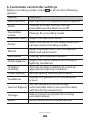
››Customise camera settings
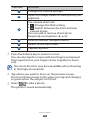
Before taking a photo, select
options:
to access the following
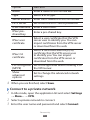
Option
Function
Edit shortcuts
Edit shortcuts to frequently used options.
Self portrait
Switch between the front and rear camera
lenses.
Flash
Change the flash setting; You can
manually turn the flash on or off, or set
the camera to automatically use the flash
when needed.
Shooting
mode
Change the shooting mode.
Scene mode
Change the scene mode.
Exposure value Adjust the exposure value.
Focus mode
Take close-up photos or set the camera to
focus on the subject or focus on human
faces automatically.
Timer
Select the length of the delay before the
camera takes a photo.
Entertainment
62