1
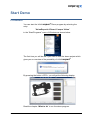
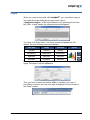
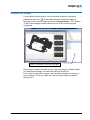
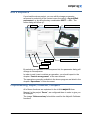
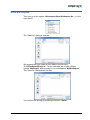
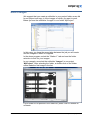
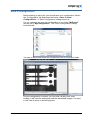
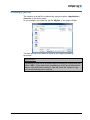
Save a configuration Before starting to edit a job, you should save your configuration. Select the “Configuration” tab and press the button <Save Current Configuration>. A “Save Configuration” dialog shows up. For our example, we save the configuration in our folder “MyProject” and we call it “MyConfiguration”. The “Save Configuration” dialog looks like this: You see in the picture below the configuration file in our project folder. As your configuration is stored, you can load it at any time. After loading, it will load the workspace and the associated images. It is easy in this case to work on several projects. version 2.0 19.11.14 How to create your own project 21