1
8. Running the Web-Based Application
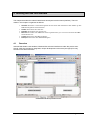
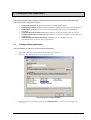
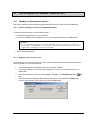
This chapter explains how to prepare your application to run on the Web.
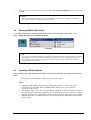
Note:
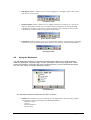
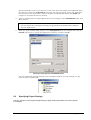
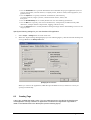
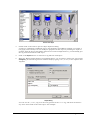
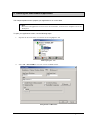
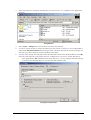
IWS stores all application screens in the Screens folder, located on the Graphics tab in the
Workspace.
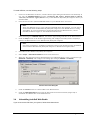
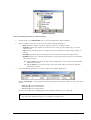
To open your application screen, use the following steps:
1.
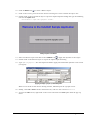
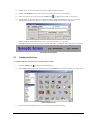
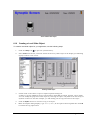
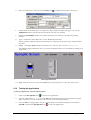
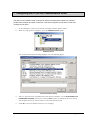
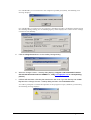
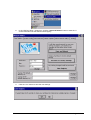
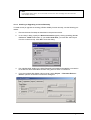
Expand the Screens folder and double-click on synoptic.scr.
Select scynoptic.scr.
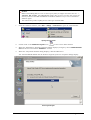
2.
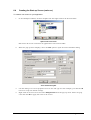
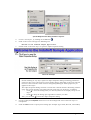
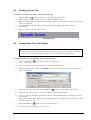
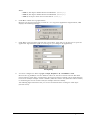
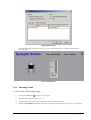
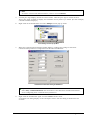
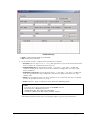
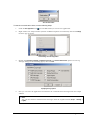
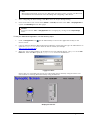
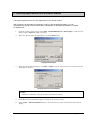
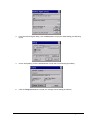
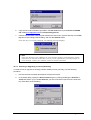
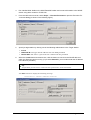
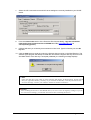
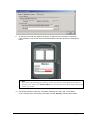
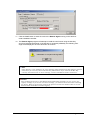
Select File → Save as HTML to save the screen in HTML format.
T
T
Saving Screens in HTML Format
Page 51 of 76