1
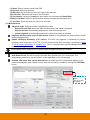
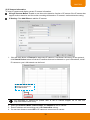
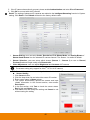
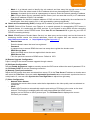
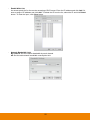
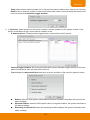
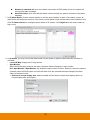
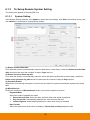
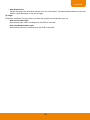
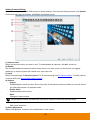
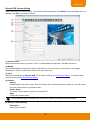
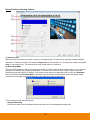
Network is switched off: when the network connection of DVR system is lost, the system will send out the alarm message. Hard Disk failed: when the hard disk doesn’t work normally, the system will send out the alarm message. 7. In (5) Alarm Reset, click the camera number to set the reset condition of alarm. Once alarm is reset, all alarm action will stop at the moment. If the sensor normal status is high, set the alarm reset condition to low. Click IP Camera Sensor to configure sensor status of IP camera. Click High/Low to set sensor status to high or low. 8. In (6) Action, you may now set the alarm action for the system to perform when the alarm condition is activated. - Launch E-Map: Display mini E-map screen. - Spot Monitor When the DVR system receives the alarm, the alarm video will display on spot monitor. Mark Spot Monitor 1/Spot Monitor 2 to enable the sport monitor function. And then, select the camera (channel) when the DVR system receives the alarm from the selected camera will display the alarm video on the spot monitor. Restore to normal display after: Mark to enable and set the time that screen display returns to normal display after spot display. 62