1
Gigaset SX763 WLAN dsl / eng / A31008-M707-R131-8x-7619 / admin_router.fm / 22.10.2008
Status information
Schablone 2005_07_27
Device
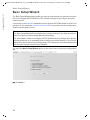
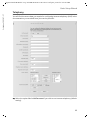
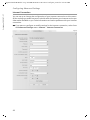
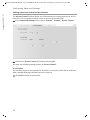
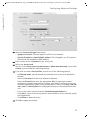
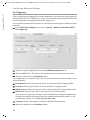
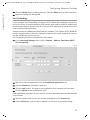
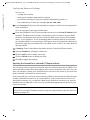
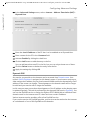
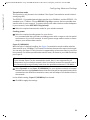
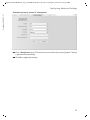
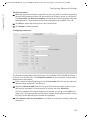
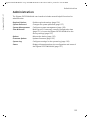
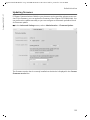
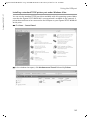
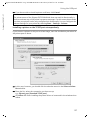
You will find the most important device data on the Device screen in the Status menu.
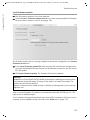
In the Status menu, select Device:
u System uptime
Show's your device's operating time since the last time the system was started.
u System time
Shows the system time for your device.
u Firmware version
Shows the firmware version currently installed on your device.
u Bootcode version
Shows the version of the bootcode currently installed on your device.
u Configuration file version
Shows which configuration file is loaded.
u ADSL driver version
Shows the version of the ADSL driver currently installed on the device.
u Wireless driver version
Shows the version of the WLAN driver currently installed on the device.
u User interface version
Shows the version of the user interface currently installed on the device.
u Hardware version
Shows your device's hardware version.
u Serial number
Shows your device's serial number.
u System Log
The system log contains important information about how the device functions and
possible problems. You can adapt the scope of the system log to suit your requirements (see "System Log" on page 136).
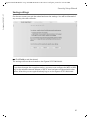
ì Click Refresh to refresh this screen and update the displayed data.
143