1
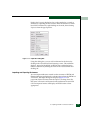
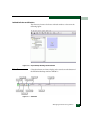
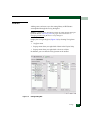
the display by selecting the icon in the Physical Map or Product List
and selecting from the Label drop-down list on the toolbar.
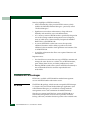
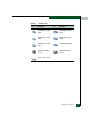
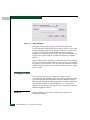
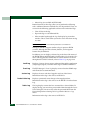
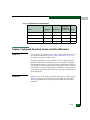
Status Display in Physical Map and Product List
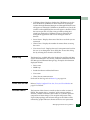
Status and alert symbols appear over fabrics, ISLs, switches, and
directors in the Physical Map and over switch and fabrics in the
Product List to indicate operational status.
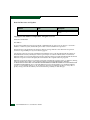
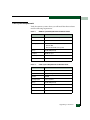
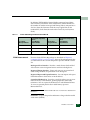
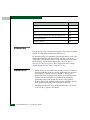
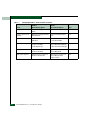
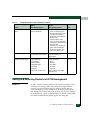
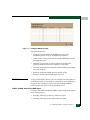
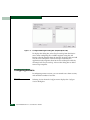
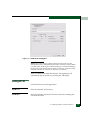
Table 4-1
Status Icons
Icon
Status
No icon
Operational
Degraded
Failed
Unknown/Offline
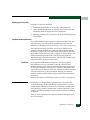
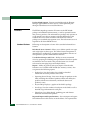
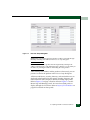
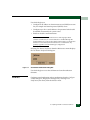
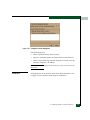
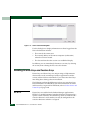
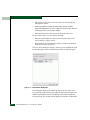
•
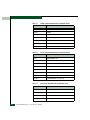
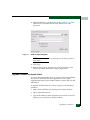
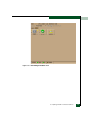
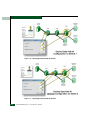
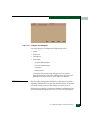
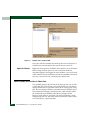
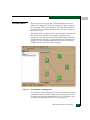
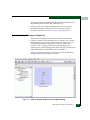
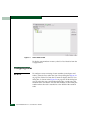
Figure 4-8
The absence of an indicator means that the fabric or switch is
operational (Figure 4-8).
Switch Icon (Fully Operational Status)
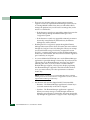
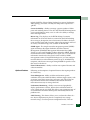
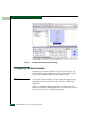
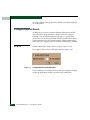
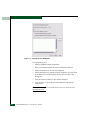
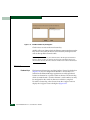
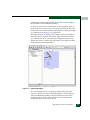
•
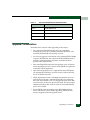
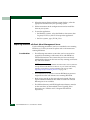
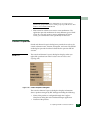
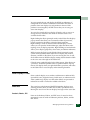
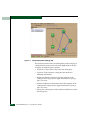
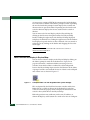
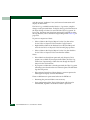
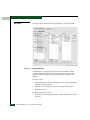
A yellow triangle means that the fabric or switch degraded.
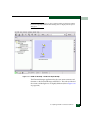
Figure 4-9 shows a degraded status symbol over a switch icon.
Figure 4-9
Switch Icon with Degraded Status
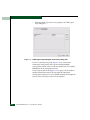
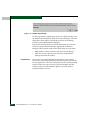
•
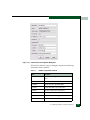
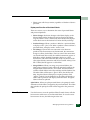
A red diamond means that the switch has failed or that all
switches in the fabric have failed.
Managing and Monitoring Fabrics
4-15