1
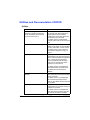
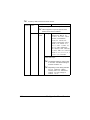
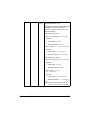
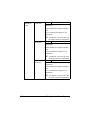
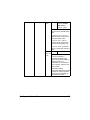
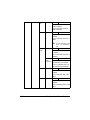
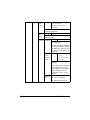
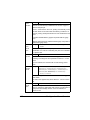
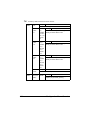
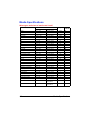
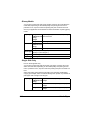
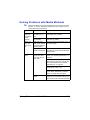
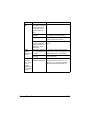
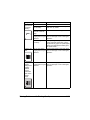
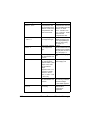
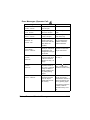
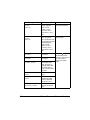
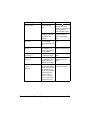
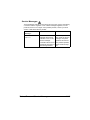
Symptom
Cause
Image
defects.
The laser lens is dirty. Clean the laser lens.
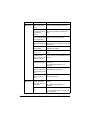
Lateral lines
or bands
appear on
image.
Solution
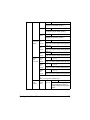
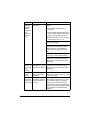
A toner cartridge may Remove the toner cartridges and
be leaking.
check them for damage. If one is damaged, replace it.
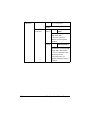
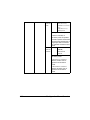
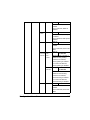
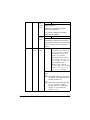
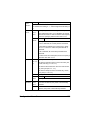
A imaging unit may
be defective.
Remove the imaging unit with the color
causing the abnormal image.
Replace it with a new imaging unit.
The printer is not
level.
Place the printer on a flat, hard, level
surface.
The media path is
dirty with toner.
Print several sheets and the excess
toner should disappear.
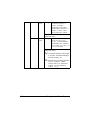
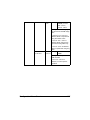
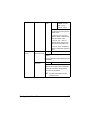
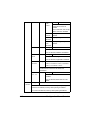
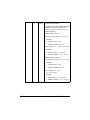
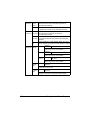
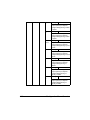
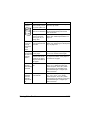
One or more of the
Remove the imaging units and check
imaging units may be them for damage. If one is damaged,
defective.
replace it.
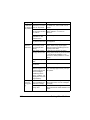
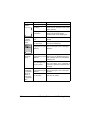
Colors look
drastically
wrong.
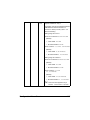
One or more of the
Remove the imaging units and verify
imaging units may be that the toner is distributed evenly on
defective.
each cartridge roller, and reinstall the
imaging units.
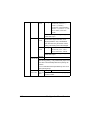
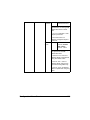
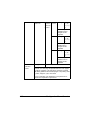
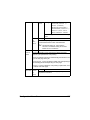
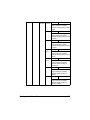
One or more of the
Check the control panel for an TONER
toner cartridges may LOW X or TONER OUT X message. If
be low or empty.
necessary, replace the specified toner
cartridge.
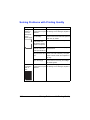
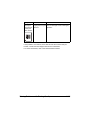
Colors are
not registering properly;
colors are
mixed or
have pageto-page variation.
9-34
One or more of the
Remove the imaging units and check
imaging units may be them for damage. If one is damaged,
defective.
replace it.
The media is moist
from humidity.
Remove the moist media and replace it
with new, dry media.
Solving Problems with Printing Quality