1
2.2. Zen User Interface
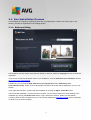
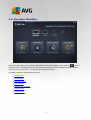
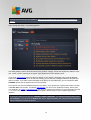
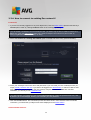
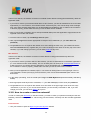
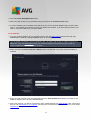
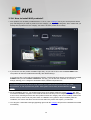
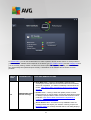
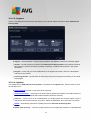
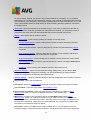
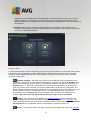
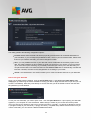
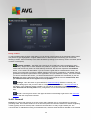
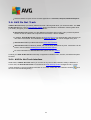
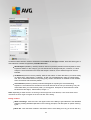
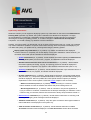
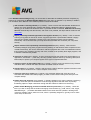
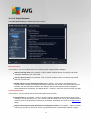
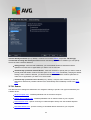
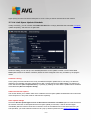
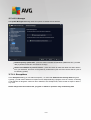
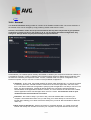
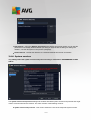
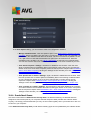
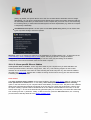
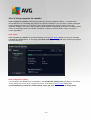
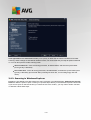
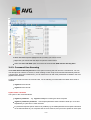
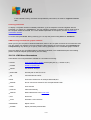
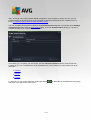
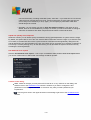
This is the main dialog of your AVG Zen user interface. In every other dialog, there is always a
button in
upper-left corner – clicking it returns you back to this main screen (in some consequent dialogs this button
only takes you one step back, i.e. to the previous dialog of the series).
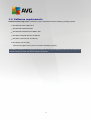
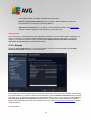
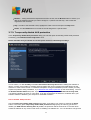
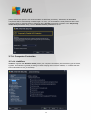
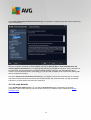
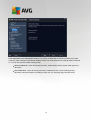
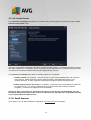
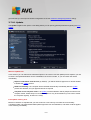
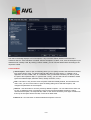
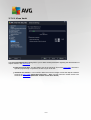
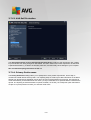
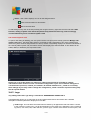
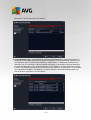
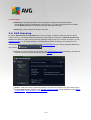
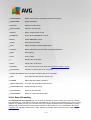
This dialog consists of several distinct sections:
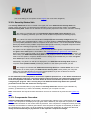
Category tiles
Devices ribbon
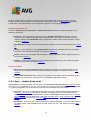
Messages button
Status button
Upgrade / Renew button
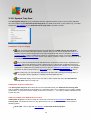
Refresh button
Settings button
9