1
SHORT DESCRIOPTION ICP 100
FIRST STEPS
4.1.
Starting the DEMO-Version:
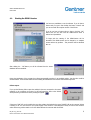
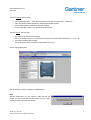
You have two possibilities to use the software. If you do have a
license-code you type it after clicking the button "License" and
you can work with the complete version of the ICP100.
If you do not have a license-code you have to click the "OK"button and you can work with the DEMO-Version which is
reduced in its possibilities.
To begin with the starting of the DEMO-Version will be
described. This DEMO-Version can be changed to a complete
version without any problem. - This procedure will be described
later on.
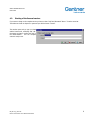
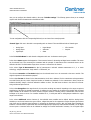
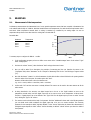
After clicking the "OK"-button you will be informed that the sensordatabase has been installed:
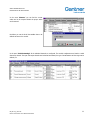
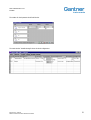
During the initialization of the program the software automatically searches for an available module - but there also could be
several modules. These modules will be shown including the transmission rate and the communications protocol.
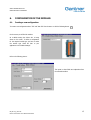
Failure report:
If you get the following failure report the module/s is/are not connected to the master
computer or the connection is incorrect. In this case watch the LEDs at the ISK100
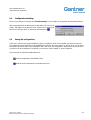
when performing a manual bus-scan by clicking the symbol:
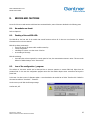
If the green "RUN"-LED on the module does not shine, please check whether the green "POWER"-LED at the converter ISK100
is shining or not. If it does not there is no power supply of the converter or the safeguard is faulty. As soon as the converter
works without any problem watch out for the cables between the converter and the module.
KB_ICP 100_E_V300.doc
Gantner Instruments Test & Measurement GmbH
6