1
GOT-5100T User’s Manual
z
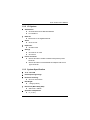
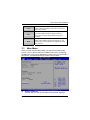
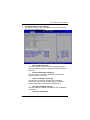
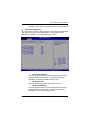
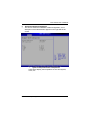
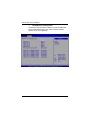
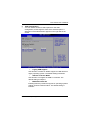
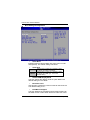
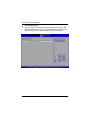
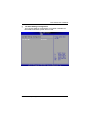
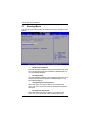
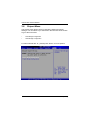
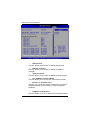
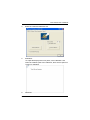
USB Configuration
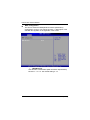
You can use this screen to select options for the USB
Configuration, and change the value of the selected option. A
description of the selected item appears on the right side of the
screen.
¾
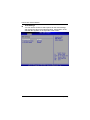
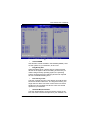
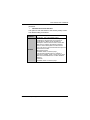
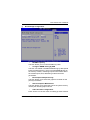
Legacy USB Support
Use this item to enable or disable support for USB device on
legacy operating system. The default setting is Enabled.
¾
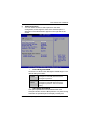
USB 2.0 Controller Mode
Use this item to configure the USB 2.0 controller. The
default setting is HiSpeed.
¾
BIOS EHCI Hand-Off
Enabling this item provide the support for operating systems
without an EHCI hand-off feature. The default setting is
Enabled.
AMI BIOS Setup Utility
43