1
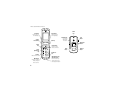
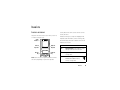
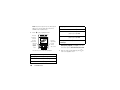
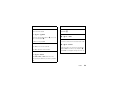
Home Screen
Main Menu
EV
EV
Tue 05/06/08 1:56pm
Contacts
Multimedia
Settings
Tools
Web
Messaging
Extras
Call History
Camera
Messaging
MENU
Contacts
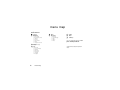
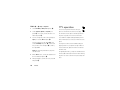
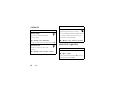
1
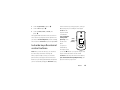
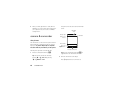
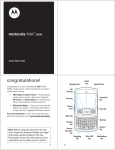
Press and hold the Power
Key P for a few
seconds, or until the
display lights up, to turn
on your phone.
2
Press the Center Key (s)
to open the Main Menu.
3
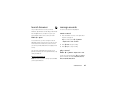
Press the Navigation
Key (S) up, down, left,
or right to highlight a
menu feature.
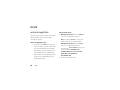
4
Press the Center Key (s)
to select it.
3