1
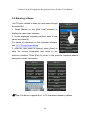
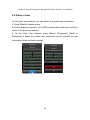
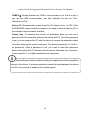
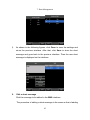
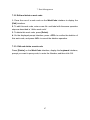
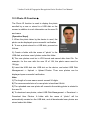
7. Data Management 7.3.2 Edit and delete a work code 1. Press the row of a work code on the WorkCode interface to display the [Edit] interface. 2. To edit this work code, enter a new No. and label with the same operation steps as described in “Add a work code”. 3. To delete this work code, press [Delete]. 4. On the displayed prompt interface, press <YES> to confirm the deletion of this work code, and press <NO> to cancel the deletion operation. 7.3.3. Edit and delete a work code Press [Delete] on the WorkCode interface, display the keyboard interface, prompt you want to query code, to enter the Number, and then click OK.
87