1
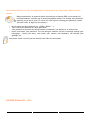
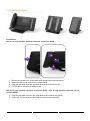
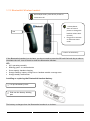
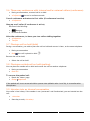
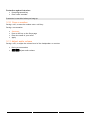
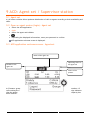
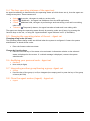
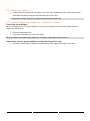
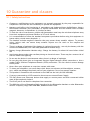
1.12 Bluetooth® Wireless handset Off-hook/On-hook: press this key to take or terminate a call LED Volume/Mute: Short successive presses to change the handset volume level (3 levels) Long press to activate or deactivate mute mode Location of the battery If the Bluetooth® handset is on its base, you do not need to press the Off-hook/On-hook key to take or terminate the call. Just off-hook/on-hook the Bluetooth® handset. LED Off: operating normally Blinking green: in communication Green steady: handset charging Orange flashing: battery charge low or handset outside coverage zone Orange steady: malfunction Installing or replacing the Bluetooth® handset battery Lift up the battery cover Slide out the battery holding part The battery recharges when the Bluetooth® handset is on its base. 16