1
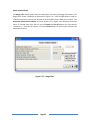
Note Box
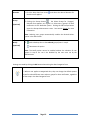
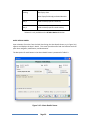
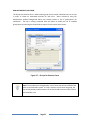
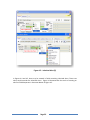
The Note box is used to insert alert messages. If a message has already been
placed in the Note box, by the Administrator or by another user, it may be
modified or extended. Right clicking in the Note box pops-up a menu with
text editing features such as cut, copy, paste, select all, zoom, and spell
checker.
NOTE: Tooltips and enabled pop-ups display the Category Name if the Note
box is left empty.
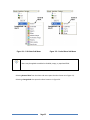
Set for New
Records Only
The alert is applied to the field of the empty form. The alert also
appears in the same field when a new record is being created.
(Option available
from Empty Forms
Only)
The alert is applied to the field for all records including the empty form.
NOTE: Records containing alerts that have been created from an empty base
record are called Inherited Alerts.
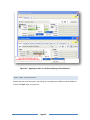
The Properties Sheet displays the name of the creator/modifier and time of
the alert’s creation/modification.
*SELECTING
FOR POP-UPS
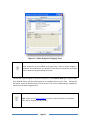
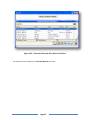
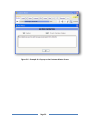
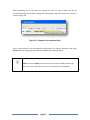
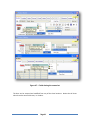
Pop-ups appear when accessing records containing pop-up alerts.
Clicking the pop-up’s OK button only acknowledges the pop-up.
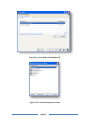
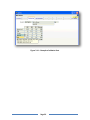
Choose the option carefully as it may become a nuisance to users. An
example of a pop-up is shown in Figure 3.6. Pop-ups can be removed
by disabling the Pop-Up option from the Alert Details screen.
Page 29