1
5. SpIDer Guard
5.2. SpIDer Guard Settings
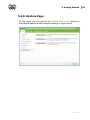
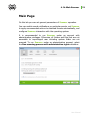
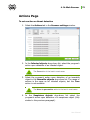
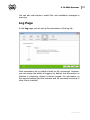
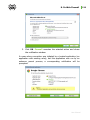
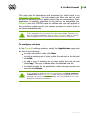
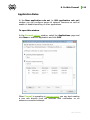
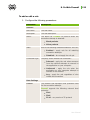
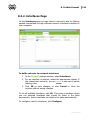
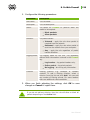
The main adjustable parameters of SpIDer Guard are in the
Settings panel. To receive help on parameters specified on a page,
select that page and click Help.
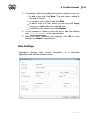
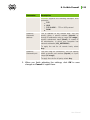
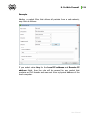
When you finish editing the parameters click OK to save changes or
Cancel to cancel the changes made.
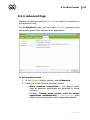
Some of the most frequently changed settings of the program are
described below. The default settings are optimal for most cases.
They should not be changed without necessity.
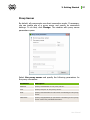
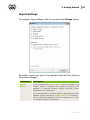
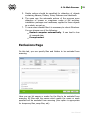
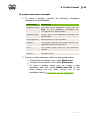
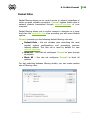
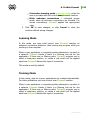
Scanning Page
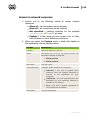
By default, SpIDer Guard is set in Optimal mode to scan files that
are being executed, created or changed on the hard drives and all
files that are opened on removable media.
User Manual
84