1
Operation manual
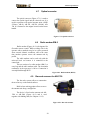
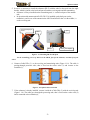
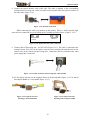
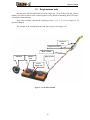
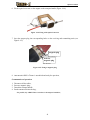
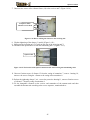
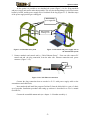
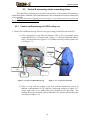
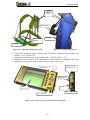
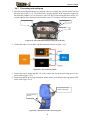
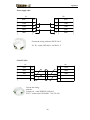
5. Connect the cable PU-485 from the antenna unit to the plug «AB» on the control unit;
6. Turn on the power supply unit , the control unit , the unit of processing by the switch (by the
key) on their bodies;
Key assignment, the principle of mode control & file recording which is analogous to the
operation with the control and processing unit (CPU) (Chapter 2.3).
2.5
GPR (georadar) closedown
To complete the work with the georadar execute three following actions:
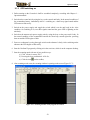
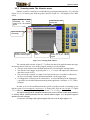
1. Quit the measurement module (press the “Esc” key and close the scanning mode window.
2. Switch off the power supply units of the antenna unit (for optical antenna unit) and switch off
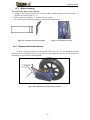
the power supply of the odometer.
3. Switch off the computer and control unit using the button on the control unit body. The light
emitting diodes on the unit body will stop blinking;
4. Switch off the control and processing unit (processing unit);
5. Switch off the power supply BP-9/12 using the button on the accumulator body. The light
emitting diode will stop blinking.
6. Disconnect the control unit cable PU -485.
7. Disconnect the power supply cable of the Control and Processing unit (processing unit);
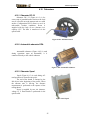
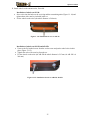
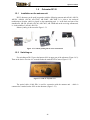
8. Disconnect the PU-485 (БО-485) cable and antenna block from the optical converter ;
9. Disconnect the interblock optical cable (for AB-150, AB-90, AB-250) and the optical cable of
the displacement transducer;
10. Put the protective caps on the connectors of the optical;
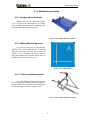
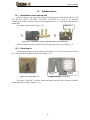
11. Dismount the beam-handle and disassemble it (for AB-250, AB-400, AB-700).
12. Dismount the odometer;
13. Disassemble the antenna unit (for AB-150, AB-250);
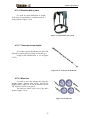
14. Put the assembaled parts of the georadar into the travel bag.
82