1
Chapter 6 ’Tools’ — Download application
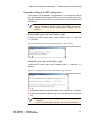
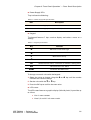
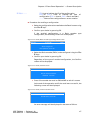
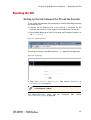
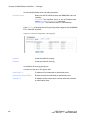
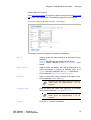
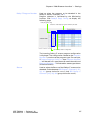
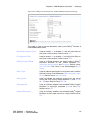
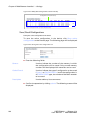
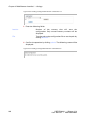
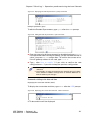
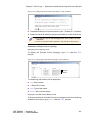
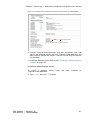
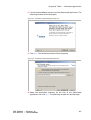
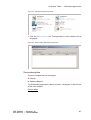
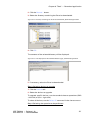
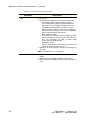
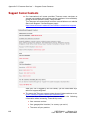
2. Check the box to select the device.
3. Click OK.
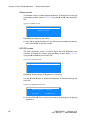
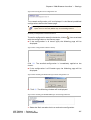
On a Windows 7 platform, if the OK button is not displayed go to
Control Panel \ All Control Panel Items \ Display and switch to 100%.
Then click Apply and log off/log on.
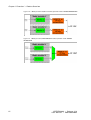
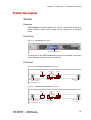
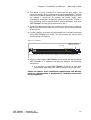
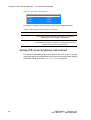
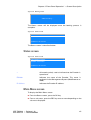
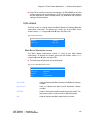
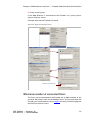
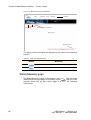
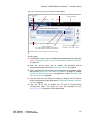
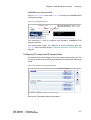
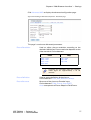
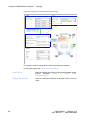
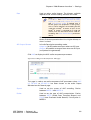
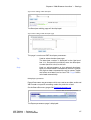
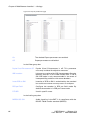
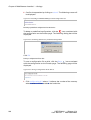
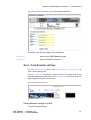
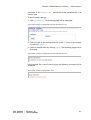
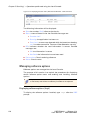
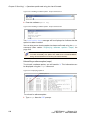
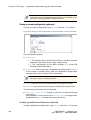
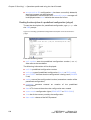
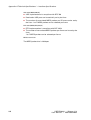
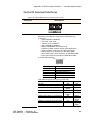
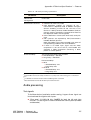
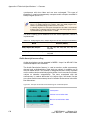
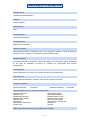
Figure 6-15. Toggle command, {Download} application
Uninstall an inactive software
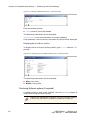
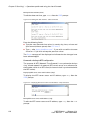
To uninstall an inactive software:
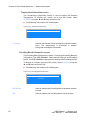
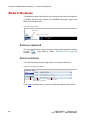
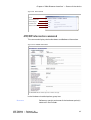
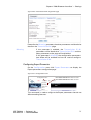
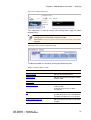
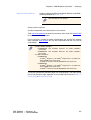
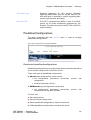
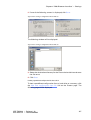
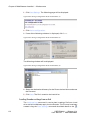
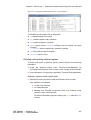
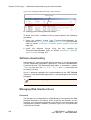
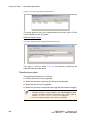
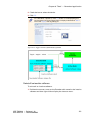
1. Position the mouse cursor on the Encoder witch contains the inactive
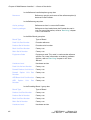
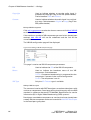
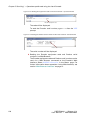
software and then right-click to display the shortcut menu:
ViBE EM4000 — Release 1.10
User Manual — 46073586AB02
153