1
5
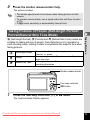
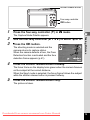
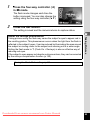
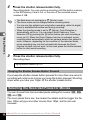
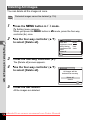
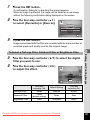
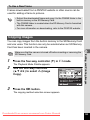
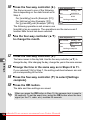
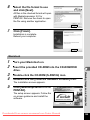
Press the 4 button.
Format starts.
When formatting is completed, the camera returns to A mode or Q
mode.
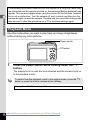
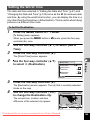
Changing the Sound Settings
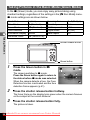
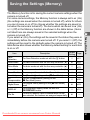
You can adjust the volume of operation sounds and change the type of
sound.
1
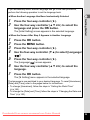
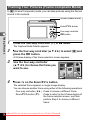
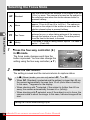
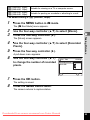
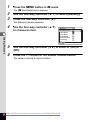
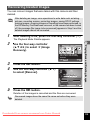
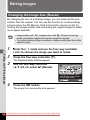
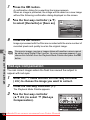
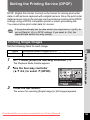
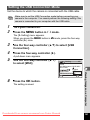
Press the 3 button in Q mode.
[W Setting] menu appears.
When you press the 3 button in A mode, press the four-way
controller (5) once.
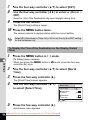
2
3
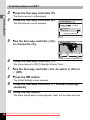
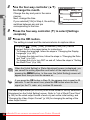
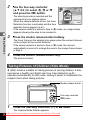
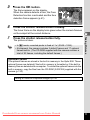
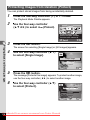
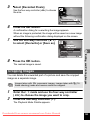
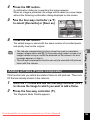
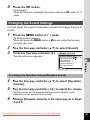
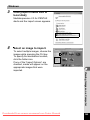
Use the four-way controller (23) to select [Sound].
Press the four-way controller (5).
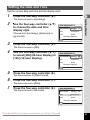
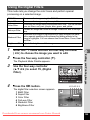
The [Sound] screen appears.
Sound
1
1
1
1
MENU
6
Settings
Operation Volume
Playback Volume
Start-up Sound
Shutter Sound
Operation Sound
Self-timer Sound
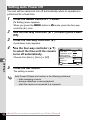
To Change the Operation Volume/Playback Volume
4
5
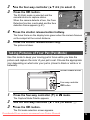
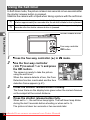
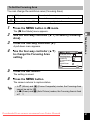
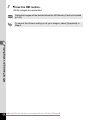
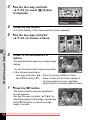
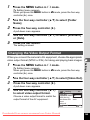
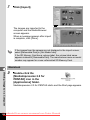
Use the four-way controller (23) to select [Operation
Volume].
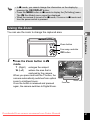
Use the four-way controller (45) to adjust the volume.
Set the volume to 0 to mute the start-up sound, shutter sound,
operation sound, and self-timer sound.
6
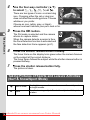
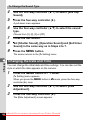
Change [Playback Volume] in the same way as in Steps
4 and 5.
Downloaded From camera-usermanual.com Pentax Manuals
141