1
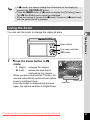
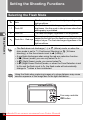
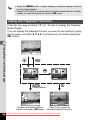
• In 9 mode, you cannot change the information on the display by
pressing the 4/W button.
• Press the 3 button in 9 mode to display the [W Setting] menu.
The [A Rec.Mode] menu cannot be displayed.
• When the camera is turned off in 9 mode, it turns on in 9 mode next
time the power switch is pressed.
Using the Zoom
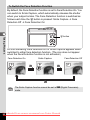
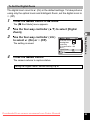
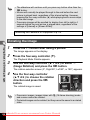
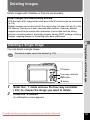
You can use the zoom to change the captured area.
3
Taking Pictures
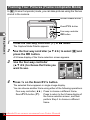
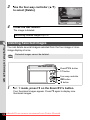
Zoom button
Four-way controller
4 button
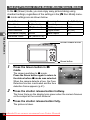
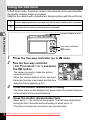
1
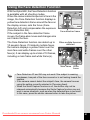
Press the Zoom button in A
mode.
enlarges the subject.
widens the area that is
captured by the camera.
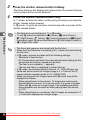
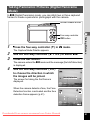
When you press and hold the T button, the
camera automatically switches from optical
zoom to intelligent zoom.
Once the button is released and pressed
again, the camera switches to Digital Zoom.
38
T (Right)
W (Left)
Downloaded From camera-usermanual.com Pentax Manuals
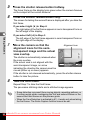
17.1 x
Zoom bar
Zoom ratio
67