1
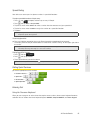
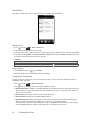
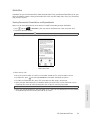
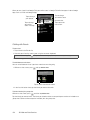
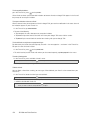
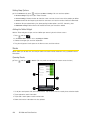
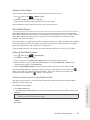
3A. Sprint Service: The Basics ⽧ Voicemail (page 100) ⽧ Text Messaging (SMS) and Multimedia Messaging (MMS) (page 102) ⽧ Caller ID (page 108) ⽧ Call Waiting (page 108) ⽧ Making a 3-Way Call (page 108) ⽧ Call Forwarding (page 108) ⽧ Roaming (page 109) Voicemail Setting Up Your Voicemail Your device automatically transfers all unanswered calls to your voicemail, even if your device is in use or turned off. You should set up your Sprint Voicemail and personal greeting as soon as your device is activated. 1. Press and tap > Voicemail. 2. In the Personalize your Voicemail window, tap Personalize now. 3. Your device will automatically connect with Sprint Voicemail service. Follow the voice prompts to: 䡲 Create your passcode. 䡲 Record your name announcement. 䡲 Record your greeting. Note: Voicemail Passcode Sprint strongly recommends that you create a passcode when setting up your voicemail to protect against unauthorized access. Without a passcode, anyone who has access to your handset is able to access your voicemail messages. Voicemail Notification There are several ways your device alerts you to a new message: 䢇 By sounding the assigned ringer type. 䢇 By displaying 䢇 By flashing the notification LED (if enabled). at the top of your screen. New Voicemail Message Alerts When you receive a new voice message, you will see a message in the Notification panel (see “Notifications Panel” on page 11). 100 3A. Sprint Service: The Basics