1
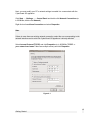
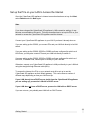
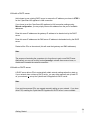
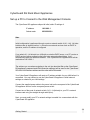
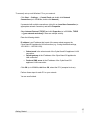
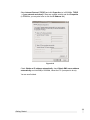
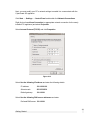
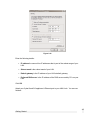
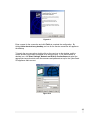
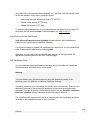
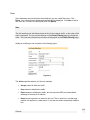
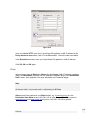
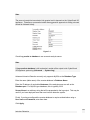
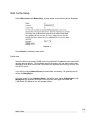
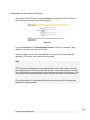
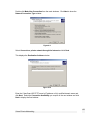
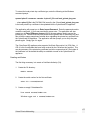
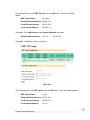
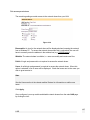
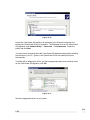
Select Use the following IP address and enter the following details:
IP address:
192.168.0.100
Subnet mask:
255.255.255.0
Default gateway:
192.168.0.1
Select Use the following DNS server addresses and enter:
Preferred DNS server: 192.168.0.1
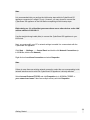
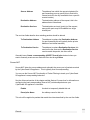
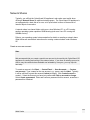
Note
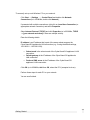
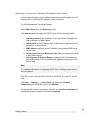
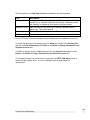
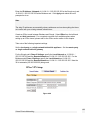
If you wish to retain your existing IP settings for this network connection, click Advanced
and Add the secondary IP address of 192.168.0.100, subnet mask 255.255.255.0.
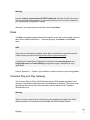
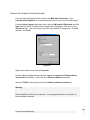
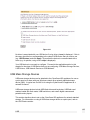
Set up the Password and LAN Connection Settings
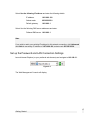
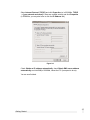
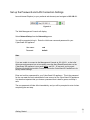
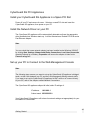
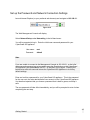
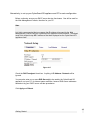
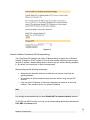
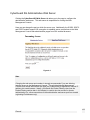
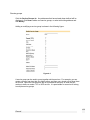
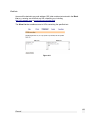
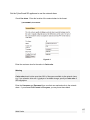
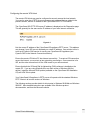
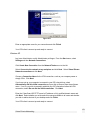
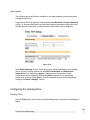
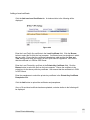
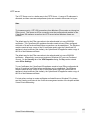
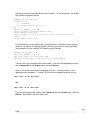
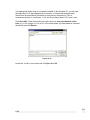
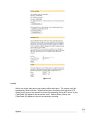
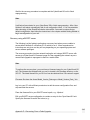
Launch Internet Explorer (or your preferred web browser) and navigate to 192.168.0.1.
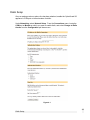
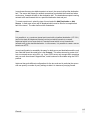
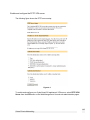
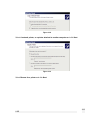
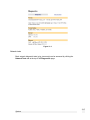
Figure 2-2
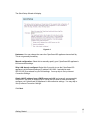
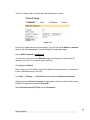
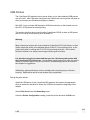
The Web Management Console will display.
17
Getting Started