1
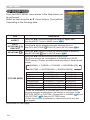
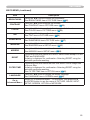
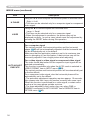
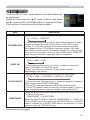
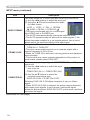
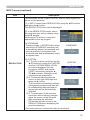
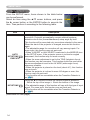
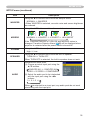
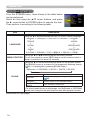
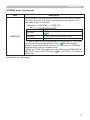
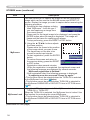
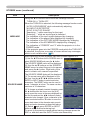
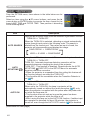
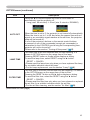
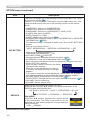
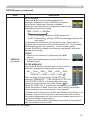
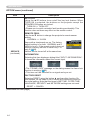
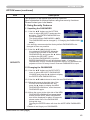
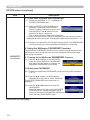
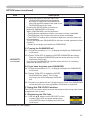
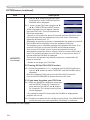
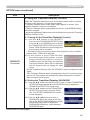
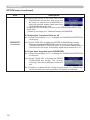
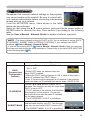
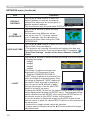
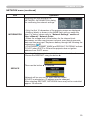
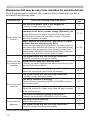
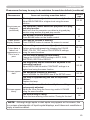
SETUP menu SETUP menu (continued) Item Description WHISPER Using the ▲/▼ buttons turns off/on the whisper mode. NORMAL ó WHISPER • When WHISPER is selected, acoustic noise and screen brightness are reduced. Using the ▲/▼ buttons switches the mode for mirror status. MIRROR NORMAL ó H:INVERT ó V:INVERT ó H&V:INVERT If the Transition Detector is TURN ON and MIRROR status is changed, Transition Detector Alarm (49) will be displayed when projector is restarted after the power switch is turned off. VOLUME Using the ▲/▼ buttons adjusts the volume. High ó Low SPEAKER Using the ▲/▼ buttons turns on/off the built-in speaker. TURN ON ó TURN OFF When TURN OFF is selected, the built-in speaker does not work. AUDIO Allocates the audio ports. (1) C hoose a picture input port using the ▲/▼ buttons. COMPUTER (IN)1 ó COMPUTER (IN)2 VIDEO ó S-VIDEO ó COMPONENT (2) Select the audio port to be interlocked with the input port using the ◄/► buttons. 1ó2ó3ó When is selected to an input port, any audio ports do not work interlocking with the input port. 35