1
C.
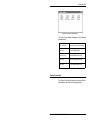
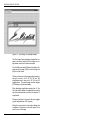
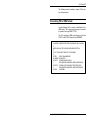
Desktop menu bar
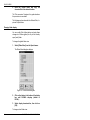
This appendix describes or refers you to the options
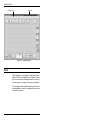
and corresponding keyboard shortcuts (fast keys)
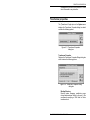
available from the Desktop pull-down menus.
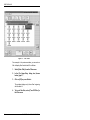
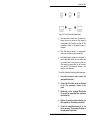
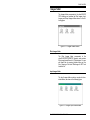
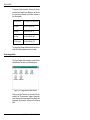
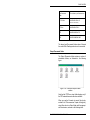
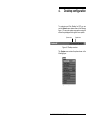
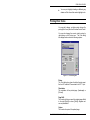
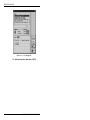
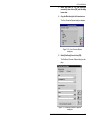
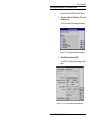
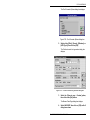
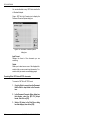
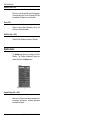
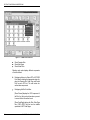
Figure C-1. Desktop menu bar
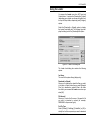
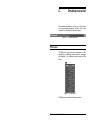
File menu
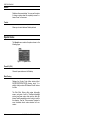
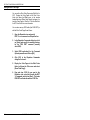
The File menu options perform operations on files,
applications, or attached devices (printers, scanners
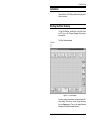
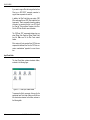
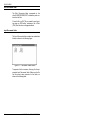
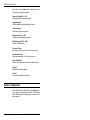
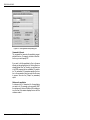
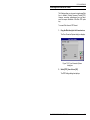
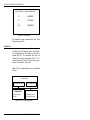
and diskette). The following figure shows the File
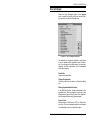
menu.
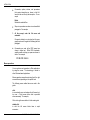
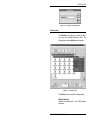
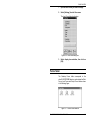
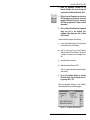
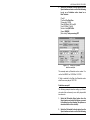
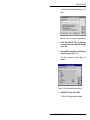
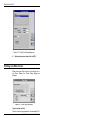
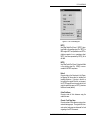
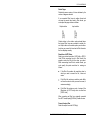
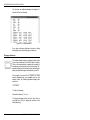
Figure C-2. File Menu
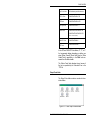
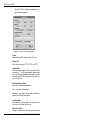
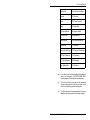
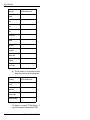
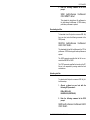
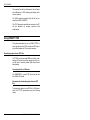
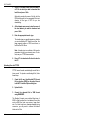
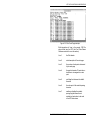
The File menu contains the following options:
ELIXIR DESKTOP FOR AFP USER GUIDE
C-1